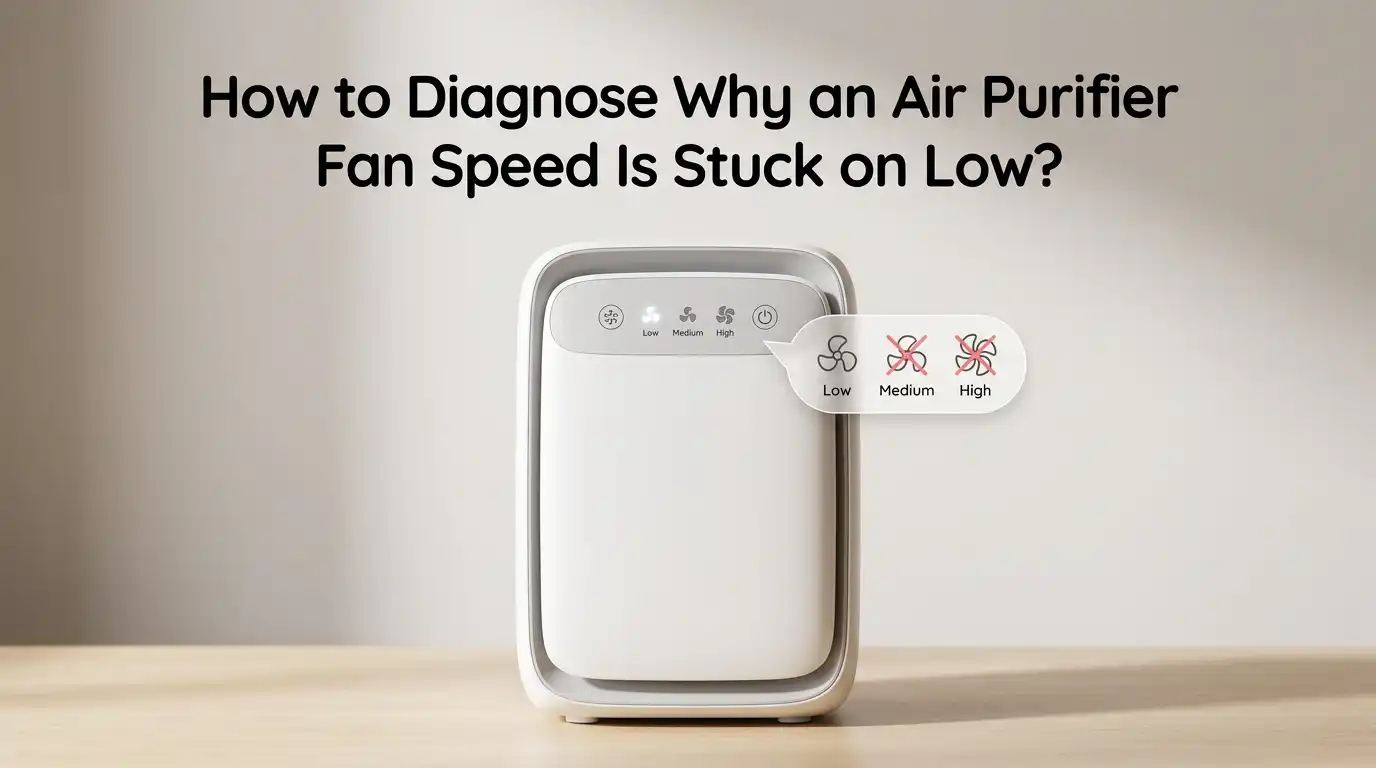
How to Diagnose Why an Air Purifier Fan Speed Is Stuck on Low?
You just pressed the fan speed button on your air purifier, and nothing happened. The fan stays on low, no matter how many times you tap, press, or hold the button. It is a frustrating problem, and you are not alone.
Thousands of air purifier owners deal with this exact issue every year. The good news is that the cause is usually something simple.
A dirty sensor, a clogged filter, a stuck button, or a minor software glitch can all lock your air purifier into low speed mode. In many cases, you can fix the problem yourself in under 30 minutes without calling a technician or buying a new unit.
In a Nutshell
Here are the key points you need to know before diving into the full guide:
- A clogged or dirty filter is the most common reason an air purifier fan speed gets stuck on low. Many modern units automatically reduce fan speed or trigger an error when the filter is overloaded with dust, pet dander, or debris. Checking and replacing the filter should always be your first step.
- Auto mode can trick you into thinking the fan is stuck. If your air purifier is set to auto mode, it adjusts the fan speed based on air quality readings from its built in sensor. When the sensor reads clean air, it drops to the lowest setting and stays there. Switching to manual mode will confirm if this is the issue.
- Dirty or faulty air quality sensors send wrong data to the control board. A dusty sensor will always report clean air, which keeps the fan locked on low speed. Cleaning the sensor with a dry cotton swab or compressed air often solves the problem instantly.
- Control panel and button malfunctions can prevent speed changes. Touch panels are sensitive to dirt, moisture, and static. A simple wipe down or a power reset can restore button responsiveness in most cases.
- Electrical issues like a failing capacitor or worn out motor are less common but more serious causes. If you hear grinding, buzzing, or rattling sounds, the motor may need professional attention. A failing capacitor can also limit the motor to its lowest speed setting.
- A full power reset fixes many software related glitches. Unplug your air purifier, wait at least 30 seconds to 24 hours depending on the brand, and plug it back in. This clears temporary errors stored in the control board and often restores normal fan speed operation.
Check If Auto Mode Is Controlling the Fan Speed
The first thing you should check is whether your air purifier is running in auto mode. This is the most overlooked cause of a fan that seems stuck on low. Auto mode uses a built in air quality sensor to decide the fan speed. If the sensor detects clean air, it drops the fan to the lowest setting.
Many users forget they switched to auto mode days or weeks ago. The fix is simple. Press the mode button and switch to manual mode. Then try changing the fan speed. If the fan responds normally in manual mode, the unit is working fine. Auto mode was just doing its job.
Pros: Quick to check, requires no tools, and the unit is not broken.
Cons: You may miss the real issue if the sensor itself is faulty, because auto mode will still behave oddly even after you identify it as the active mode.
Inspect and Replace a Clogged Filter
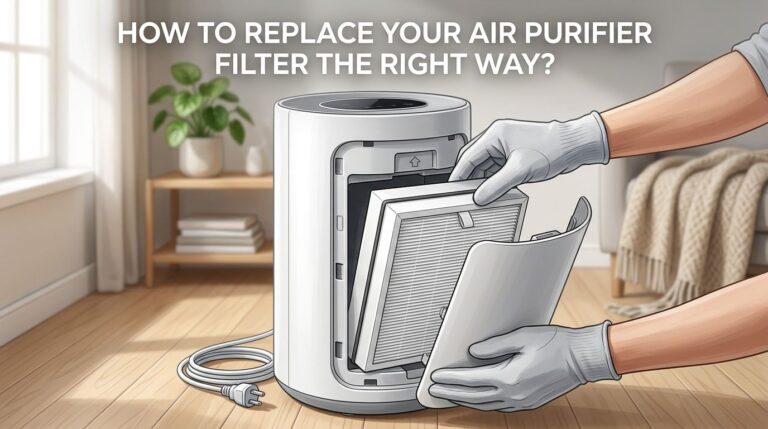
A dirty or clogged filter is the single most common reason an air purifier loses fan speed. Over time, dust, pollen, pet hair, and fine particles build up on the HEPA filter and pre filter. This buildup restricts airflow and forces the motor to work harder.
Some air purifiers have a safety feature that automatically reduces fan speed when the filter is too clogged. Others simply lose power because the motor cannot push air through a blocked filter. Open the filter compartment and visually inspect the filter. If it looks gray, dark, or heavily coated in dust, it is time for a replacement.
As a temporary fix, you can gently vacuum the pre filter with a brush attachment. However, HEPA filters should never be washed unless the manufacturer specifically says they are washable. Replace the filter and reset the filter indicator light according to your user manual.
Pros: Solves the problem in most cases, easy for anyone to do.
Cons: Replacement filters cost money, and you need to identify the correct filter model for your specific unit.
Clean the Air Quality Sensor
Your air purifier’s air quality sensor plays a critical role in fan speed control. This small component detects particles in the air and sends data to the control board. If the sensor is coated in dust, it gives inaccurate readings. A dirty sensor often reports that the air is perfectly clean, which keeps the fan on its lowest speed.
Locate the sensor on your unit. It is usually a small opening or vent on the back or side of the purifier. Unplug the unit first. Then use a dry cotton swab or a short burst of compressed air to clean the sensor lens and the surrounding area. Some brands recommend using a slightly damp cloth, but check your manual first.
After cleaning, plug the unit back in and test the fan speed in auto mode. You should notice an immediate difference if the dirty sensor was causing the problem.
Pros: Free to do, takes less than five minutes, and fixes the issue for many users.
Cons: Sensors can sometimes fail completely and need professional replacement.
Perform a Full Power Reset
A power reset is one of the easiest and most effective fixes for fan speed problems. Air purifiers use internal circuit boards that can develop temporary software glitches. These glitches can freeze the fan on a single speed setting.
Unplug the air purifier from the wall outlet. Wait at least 30 seconds. For stubborn issues, some manufacturers recommend leaving the unit unplugged for a full 24 hours. This allows the internal capacitors to fully discharge and clears any stored error codes.
Plug the unit back in and power it on. Test all fan speeds. If the unit now responds to speed changes, the issue was a temporary electronic glitch. Make a habit of doing a power reset once a month as basic maintenance.
Pros: Completely free, requires no tools, and works for a wide range of electronic issues.
Cons: Does not fix hardware problems like a damaged motor or broken control board.
Examine the Control Panel and Buttons
The control panel is your direct interface with the air purifier. If the fan speed button or touch panel is not responding, you will not be able to change the speed even though the motor and electronics are fine.
Start by cleaning the control panel surface. Dirt, grease, and moisture can interfere with touch sensitive buttons. Use a soft, slightly damp cloth to wipe the panel clean. Dry it completely before testing. If your unit uses physical push buttons, check if the button feels stuck or does not click properly.
Static electricity can also cause touch panels to behave erratically. Unplug the unit, press and hold the power button for 10 seconds to drain residual charge, and plug it back in. If only the speed button is unresponsive but other buttons work, the issue may be a faulty ribbon cable or a damaged touch sensor beneath the panel.
Pros: Easy to diagnose, cleaning often solves the issue.
Cons: Internal touch sensor damage requires professional repair or panel replacement.
Check for Obstructions Inside the Unit
Physical obstructions inside the air purifier can limit fan blade movement and lock the fan at low speed. Small objects, clumps of dust, or even loose filter fragments can get caught in the fan assembly.
Unplug the unit and remove the filter. Look inside the fan housing with a flashlight. Check for any visible debris near the fan blades. Carefully remove anything that should not be there using tweezers or a soft brush. Do not use your fingers near the fan blades, as they can have sharp edges.
Also check if the filter is seated correctly. A misaligned filter can press against the fan or block the air intake path. Reinsert the filter firmly and make sure the compartment door closes completely. Many units will not operate at full speed if the filter cover is not properly latched.
Pros: Simple visual inspection, no special tools needed.
Cons: If debris has already damaged the fan blades, you may need a replacement part.
Test the Motor for Signs of Failure
The fan motor is the component that drives the blades. Over time, motors can wear out. A failing motor may only have enough power to run at the lowest speed. Listen carefully when the unit is on. Grinding, squealing, buzzing, or rattling noises are strong indicators of motor trouble.
A healthy motor runs quietly and smoothly at all speeds. If you hear unusual sounds or if the fan struggles to spin even on low, the motor bearings may be worn out. In some cases, the motor windings can burn out due to overheating caused by a clogged filter that was not replaced in time.
You can test the motor with a multimeter if you are comfortable with basic electronics. Set the multimeter to resistance mode and check the motor terminals for continuity. A reading of zero suggests a short circuit, while an infinite reading means an open circuit. Both indicate motor failure.
Pros: Accurate diagnosis, helps you decide between repair and replacement.
Cons: Requires some technical knowledge, and motor replacement can be expensive.
Inspect the Capacitor
The capacitor is a small electronic component that helps the motor start and maintain speed. A failing capacitor is a well known cause of fan speed problems in air purifiers and many other appliances with electric motors.
When the capacitor starts to fail, the motor may only be able to run at its lowest speed. The fan might also take a long time to start or hum without spinning. If you open the unit and find a swollen, leaking, or bulging capacitor on the circuit board, that is almost certainly the problem.
Replacing a capacitor is inexpensive if you know the correct specifications. The replacement part usually costs very little. However, soldering a new capacitor requires basic electronics skills and a soldering iron. If you are not comfortable with this, a repair technician can do it quickly.
Pros: Inexpensive fix, often restores full fan speed immediately.
Cons: Requires opening the unit and basic soldering skills, which voids the warranty on some models.
Evaluate the Circuit Board (PCB)
The printed circuit board, or PCB, is the brain of your air purifier. It processes input from the buttons and sensors, then controls the motor speed. A damaged PCB can cause the fan to get stuck on any single speed, including low.
PCB damage can result from power surges, moisture exposure, or manufacturing defects. Visual signs include burn marks, corroded traces, or loose solder joints on the board. If you recently experienced a power outage or electrical storm, the PCB should be your prime suspect.
Some users have successfully repaired PCB issues by resoldering loose connections. Others have bypassed the board entirely by connecting the motor to a simple external fan speed controller. However, this approach removes all smart features like auto mode and sensor control.
Pros: Identifying the PCB as the problem gives you a clear repair or replacement path.
Cons: PCB replacement can be costly, and boards may not be available for older or discontinued models.
Rule Out Firmware or Software Issues
Many modern air purifiers connect to smartphone apps and receive firmware updates. A buggy firmware update can cause unexpected behavior, including fan speed lockups. If your fan speed issue started right after an app update or firmware change, this is a likely cause.
Check the manufacturer’s app for any available firmware updates or patches. Some brands release bug fixes specifically for fan speed control problems. You can also try removing the unit from the app, performing a factory reset, and re pairing it. This process varies by brand, so check your user manual for exact steps.
If your unit does not have smart features, firmware is not the issue. But for Wi Fi connected purifiers, this step is worth checking before you start opening the unit and inspecting hardware.
Pros: A firmware update or reset can fix the problem without any physical intervention.
Cons: Not all brands release timely patches, and factory resets erase your custom settings.
Verify the Power Supply Is Stable
An unstable power supply can affect how your air purifier operates. Low voltage from the outlet can prevent the motor from reaching higher speeds. The fan may turn on low but lack the power to increase.
Try plugging the air purifier into a different wall outlet, preferably one on a different circuit. Avoid using extension cords or power strips with air purifiers, as they can cause voltage drops. If the unit works properly on a different outlet, the original outlet may have a wiring issue.
You can use a simple plug in voltage tester to check if your outlet is delivering the correct voltage. In the United States, standard outlets should deliver around 120 volts. A reading significantly below that can explain why your fan is stuck on low.
Pros: Easy to test by simply switching outlets, no cost involved.
Cons: Outlet wiring problems require an electrician to fix.
Know When to Contact the Manufacturer or a Technician
If you have tried all the steps above and your air purifier fan speed is still stuck on low, it is time to seek professional help. There is no shame in calling in an expert. Some problems, like a burned out motor winding or a damaged PCB, require specialized tools and knowledge.
Check if your unit is still under warranty. Most air purifiers come with a one to two year manufacturer warranty that covers defects in materials and workmanship. Contact the manufacturer’s customer support line and describe the issue. They may offer a free repair, a replacement unit, or troubleshooting steps specific to your model.
If the warranty has expired, a local appliance repair technician can diagnose and fix the problem. Get a repair estimate before committing. If the repair cost exceeds 50% of the price of a new unit, buying a replacement is usually the smarter financial decision.
Pros: Professional repair ensures the problem is fixed correctly and safely.
Cons: Out of warranty repairs can be expensive, and turnaround times vary.
Prevent the Problem from Happening Again
Prevention is always better than a fix. Once you have your air purifier running at full speed again, take a few steps to keep it that way. Replace filters on schedule. Most HEPA filters last six to twelve months depending on usage and air quality. Do not wait for the filter indicator to turn red.
Clean the air quality sensor every two to three months with a dry cotton swab. Keep the air intake and exhaust vents clear by placing the unit at least 12 inches from walls and furniture. Perform a power reset once a month to clear any minor electronic glitches before they cause bigger issues.
Avoid running the unit near sources of high humidity, cooking fumes, or chemical vapors, as these can damage sensors and internal components faster than normal dust. A little regular maintenance goes a long way in keeping your air purifier at peak performance.
Pros: Minimal time investment prevents costly repairs and extends unit lifespan.
Cons: Requires you to set reminders and stay consistent with a maintenance routine.
Frequently Asked Questions
Why does my air purifier fan only run on low speed?
The most common causes are a clogged filter, a dirty air quality sensor, or the unit running in auto mode. Auto mode adjusts the fan based on detected air quality. If the sensor reads clean air (even due to dust on the sensor itself), the fan stays on low. Start by switching to manual mode, replacing the filter, and cleaning the sensor. If none of these steps work, the motor, capacitor, or control board may need inspection.
Can a dirty filter cause my air purifier to stay on low speed?
Yes. A heavily clogged filter restricts airflow and puts extra strain on the motor. Some air purifiers have built in safety features that automatically reduce fan speed when the filter is too dirty. This protects the motor from overheating. Replacing the filter and resetting the filter indicator usually restores normal fan operation.
How do I reset my air purifier to fix fan speed issues?
Unplug the air purifier from the wall outlet. Wait at least 30 seconds. For more persistent issues, leave it unplugged for up to 24 hours. Plug it back in and power it on. This clears temporary software glitches and stored error codes from the control board. After the reset, test all fan speed settings to confirm they are working.
Is it safe to open my air purifier to check the motor or capacitor?
You can open the unit for inspection, but always unplug it first and wait a few minutes for any stored electrical charge to discharge. If you are not experienced with electronics, avoid touching the circuit board or capacitor directly. A swollen or leaking capacitor should only be replaced by someone with soldering experience. Opening the unit may void your warranty, so check your warranty terms first.
How often should I clean the air quality sensor on my air purifier?
Clean the air quality sensor every two to three months for best results. If you live in a dusty area, have pets, or run the unit near a kitchen, clean it monthly. Use a dry cotton swab or a short burst of compressed air. A clean sensor gives accurate readings, which ensures the fan speed adjusts correctly in auto mode.
When should I replace my air purifier instead of repairing it?
Consider replacing the unit if the repair cost is more than half the price of a new air purifier. Also consider replacement if the motor has failed, the PCB is damaged beyond simple repair, or the model is discontinued and parts are unavailable. Units that have been repaired multiple times within a short period are also better off replaced with a new, more reliable model.

I’m Maya Brown, the voice behind Pure Breeze Vault. I write detailed, honest, and easy-to-follow air purifier reviews to help readers compare features, understand filter technologies, and choose products with confidence. My goal is to make research simpler, clearer, and more practical for anyone improving indoor air quality at home.