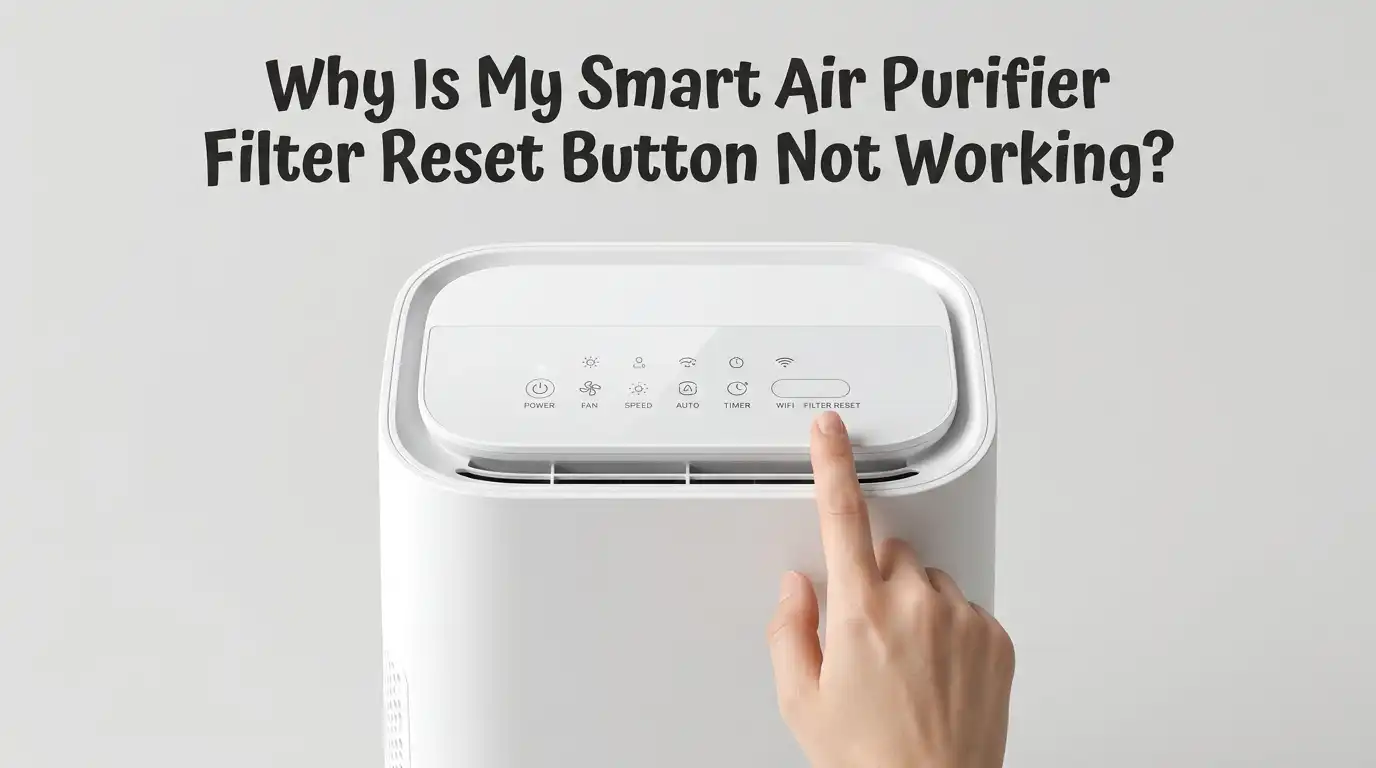
Why Is My Smart Air Purifier Filter Reset Button Not Working?
You changed the filter. You pressed the reset button. The red light stayed on. Now you feel stuck and a little frustrated. I get it. A smart air purifier is supposed to make life simple, not give you a puzzle to solve.
The good news is that a stubborn reset button is almost never a serious fault. Most of the time, the fix takes a few minutes and a little patience.
This guide walks you through every reason your reset button refuses to cooperate. You will learn what to check first, how to press the button the right way, and what to do when the app and the device stop talking to each other. Let us fix this together, step by step.
In a Nutshell:
- Hold the button longer than you think. Many purifiers need a press and hold of 5 to 15 seconds, not a quick tap. A short press almost never resets the filter timer.
- The filter must sit perfectly flat. A filter that is even slightly off center, or one with packaging still on it, can block the reset from working at all.
- Power cycling fixes a frozen sensor. Unplug the unit, wait 30 to 60 seconds, plug it back in, and try the reset again. This clears most software glitches.
- Dirty or wet touch panels stop responding. Touch-sensitive reset buttons fail when dust, grease, or moisture sits on the control surface. A gentle clean often brings them back to life.
- App resets and button resets are different. With smart models, the reset sometimes lives in the app, not on the device. A sync delay or bad connection can make the button look broken.
- A factory reset is your last resort. When nothing else works, a full reset clears the filter timer, but it also disconnects the unit from your smart home app.
Why the Reset Button Matters in the First Place
Your air purifier does not actually sense how dirty the filter is. Instead, it uses a built-in timer. The timer counts the hours your unit runs. When it hits a set number, the red light or filter icon turns on. This is just a reminder, not a live reading.
This matters a lot for your reset problem. When you replace the filter, the timer does not know anything changed. It keeps counting. The reset button is the only way to tell the purifier, “Hey, I put in a fresh filter, start over.”
If the button does not register your press, the timer never resets, and the warning light stays on. Understanding this helps you see that the light is usually a software memory issue, not a broken filter or a faulty machine.
First Check: Are You Pressing the Button the Right Way?
This is the number one reason resets fail. A quick tap is not enough. Most air purifiers need you to press and hold the reset button for a set number of seconds. The exact time depends on your brand and model.
Many popular models need a hold of around 3 to 5 seconds. Some need a full 10 to 15 seconds. Blueair units, for example, often need the Fan button held for 15 seconds. Levoit models usually use a longer touch and hold too.
Here is what to do. Make sure the unit is powered on first. Then press and hold the correct button steadily. Do not let go early. Watch for the light to blink or change color. Counting out loud helps you avoid releasing too soon. If a quick press did nothing, a longer hold is very likely your answer.
Make Sure You Are Pressing the Correct Button
Smart purifiers pack many functions into a few buttons. The reset function is rarely a button labeled “reset.” It often hides behind another button like Fan, Filter, UV, or Auto. Some models even need you to press two buttons at the same time.
For example, certain units reset when you hold “Fan Speed” and “Auto” together for 3 seconds. Others tie the reset to a UV button below the main panel. Pressing the wrong button will never reset the timer, no matter how long you hold it.
Grab your user manual or search your exact model number online. Find the precise button and hold time. Write it down somewhere safe so you never guess again. This single check solves a huge number of “broken button” complaints, because the button works fine. People are simply pressing the wrong one.
Confirm the New Filter Is Seated Correctly
A reset button often refuses to work when the filter is not installed properly. Many purifiers will not accept a reset if they sense the filter cover is open or the filter sits unevenly. The unit thinks the job is not finished yet.
Open the unit again. Look closely at the filter. Remove every bit of plastic wrap, tape, tabs, and cardboard. New filters often have packaging that is easy to miss. Even a small strip left on can cause trouble.
Now reseat the filter so it lies completely flat and centered. Close the cover gently. It should click shut without extra force. If you have to push hard or try twice, the filter is likely off center. A tight or uneven cover is a common hidden reason your reset will not register.
Pros: This fix costs nothing and solves the most common cause. Cons: It means opening the unit again, which can feel repetitive if you already did it once.
Try a Simple Power Cycle to Clear Glitches
Sometimes the reset button works fine, but the purifier’s software has frozen. A small glitch in the chip can ignore your presses. The cure is a power cycle, which is just a fancy term for turning it fully off and on.
Here is the step by step. First, press the power button to set the unit to standby. Next, unplug it from the wall completely. Wait 30 to 60 seconds. This gives the internal memory time to clear. Then plug it back in.
Now power it on, select a fan speed, and try your reset again with the correct button and hold time. This clears most temporary software bugs. Many people find the button suddenly responds after this simple step.
Pros: It is fast, free, and safe to do anytime. Cons: You lose any custom settings that were not saved, though most units remember your main preferences.
Clean the Touch Panel If Buttons Feel Unresponsive
Many smart purifiers use touch-sensitive buttons instead of physical ones. These panels are sensitive to dust, grease, lotion, and moisture. When grime builds up, the sensor underneath stops reading your finger correctly. The button looks fine but simply will not respond.
Unplug the unit first for safety. Take a soft, slightly damp microfiber cloth. Gently wipe the entire control surface. Do not soak it. Too much water can seep in and cause more harm. Dry it fully with a clean cloth before plugging back in.
Also check your hands. Wet or very dry fingers can fail to trigger touch sensors. Try again with clean, dry hands. A clean panel often restores full button response.
Pros: Cheap, quick, and prevents future problems too. Cons: It will not help if the issue is software or a deeper hardware fault.
Check for an App-Based Reset on Smart Models
Here is something many people miss. On a smart air purifier, the reset sometimes does not live on the device at all. It lives in the companion app on your phone. The physical button may do nothing because the unit expects you to reset the filter through the app.
Open your purifier’s app. Look in the device settings for a filter section. You will often find a “reset filter life” or “replace filter” option there. Tap it and confirm. The light on the device should clear within a moment.
If the app reset does not seem to work, your phone and purifier may not be syncing. A weak connection delays the command. Make sure the unit shows as online and connected in the app before you try.
Pros: Often the intended method, and it tracks filter life accurately. Cons: It depends on a working app, account login, and internet connection.
Fix Connection Problems Between the App and the Device
When the app reset fails, the real problem is usually a broken connection. The reset command never reaches the purifier. So the button and the app both look dead. Fixing the link often fixes the reset instantly.
Start with your Wi Fi. Make sure your purifier is on the 2.4 GHz network, since most smart purifiers do not work on 5 GHz. Move the unit closer to your router if the signal is weak. Then close the app fully and reopen it.
If it still shows offline, restart your router and power cycle the purifier. Wait for both to fully come back online. Then open the app and check the device status. Once it reads connected, try the filter reset again. A stable link is the missing piece for many smart models.
Pros: It also fixes other smart features at the same time. Cons: Troubleshooting Wi Fi can take time and a few tries.
Update the App or Firmware to Solve Bugs
Software bugs can break a reset feature. If a recent app update introduced a glitch, the reset button in the app may simply fail to register, leaving the filter life stuck at zero. This is a known issue on some smart models.
First, check your app store for an app update. Install any pending version. Developers often push fixes for exactly these reset bugs. Restart the app afterward.
Next, look for a firmware update for the purifier itself. You usually find this in the app under device settings or “about.” Run the update if one is available. Keep the unit plugged in and do not interrupt the process. Outdated firmware is a real and underrated cause of reset failures.
Pros: It often fixes the root cause and improves overall performance. Cons: Updates take time, and a rare bad update can briefly cause new issues until the next patch.
Watch Out for Non-Genuine or Unrecognized Filters
Some smart purifiers use a filter authenticator. This is a small chip or sensor that confirms a genuine filter is installed. If you use a compatible third-party filter, the unit may not recognize it. The reset button then refuses to clear the warning.
This does not mean off-brand filters are bad. It just means the purifier is looking for a signal it cannot find. The result feels like a broken reset button, when really the machine does not believe a valid filter is present.
If you used a non-genuine filter, double check that it sits exactly like the original. Some need a specific orientation to trigger recognition. If the reset still fails, trying a genuine filter can confirm whether the chip is the cause.
Pros: Genuine filters guarantee recognition and proper resets. Cons: They often cost more than compatible options.
Perform a Factory Reset as a Last Resort
When nothing else works, a factory reset clears everything, including a stuck filter timer. This wipes the unit back to its original state. Treat this as your final option, not your first.
The method varies by brand, but a common one is to press and hold the power button for 15 to 30 seconds until all the lights blink several times. Then release. The unit blinks again to confirm and returns to standby. Always check your manual for the exact steps.
Here is the important warning. A factory reset disconnects the purifier from your smart app. The unit will show offline. You must open the app, choose “connect,” and pair it again from scratch.
Pros: It clears almost any software fault, including the reset bug. Cons: You lose all settings, schedules, and the app connection, so setup starts over.
When to Contact Support or Consider a Warranty Claim
If you have tried every step and the reset button still will not work, the problem may be hardware. A faulty button, a dead sensor, or a damaged control board needs professional help. There is no shame in reaching this point.
Before you call, gather a few details. Note your model number, when you bought it, and exactly what you tried. Mention whether the light returns immediately or only after running. This timing helps support diagnose the issue faster.
Check if your unit is still under warranty. Many purifiers carry a one to two year warranty. A genuine hardware fault may qualify for a free repair or replacement. Contact the manufacturer’s official support channel rather than guessing further. Repeated random resets at this stage can make things worse, so it is wise to stop and ask.
Smart Habits to Avoid Reset Problems in the Future
A few simple habits keep this problem from coming back. Prevention beats troubleshooting every time.
First, always remove all filter packaging before installing. Make it a slow, careful step. Second, reset the timer right after every filter change, using the correct button and hold time you wrote down. Third, keep your control panel clean with a quick monthly wipe.
For smart models, keep the app and firmware updated. Check that your purifier stays connected to your Wi Fi. A connected unit resets smoothly and warns you in time. Finally, save your manual as a photo on your phone. You will always have the exact reset steps ready.
These small actions take seconds but save you the frustration of a stuck light later. A little routine care keeps your air clean and your reset button happy.
Frequently Asked Questions
Why does the filter light stay on even after I reset it?
The light usually stays on because the reset did not register. Hold the button longer, confirm the filter is seated flat, and remove all packaging. If it persists, try a power cycle or an app-based reset depending on your model.
How long should I hold the reset button?
It depends on your brand. Most models need a hold of 3 to 15 seconds, not a quick tap. Check your manual for the exact time. Holding too briefly is the most common reason a reset fails.
Can a power cycle damage my air purifier?
No. Unplugging the unit, waiting a minute, and plugging it back in is completely safe. It simply clears temporary glitches. This is a recommended troubleshooting step for almost every brand and causes no harm.
Does a factory reset delete my filter timer?
Yes, a factory reset clears the filter timer along with all other settings. It also disconnects the unit from your app. You will need to reconnect it afterward. Use this only when other fixes have failed.
Will an off-brand filter stop my reset from working?
Sometimes. Certain smart purifiers use a filter authenticator chip that only recognizes genuine filters. An unrecognized filter can block the reset. Make sure any compatible filter is seated exactly like the original, or switch to a genuine one to test.
My touch button does not respond at all. What now?
Touch panels fail when dust, grease, or moisture sits on them. Unplug the unit and wipe the panel gently with a soft, slightly damp cloth, then dry it. Also try again with clean, dry hands. This often restores full response.

I’m Maya Brown, the voice behind Pure Breeze Vault. I write detailed, honest, and easy-to-follow air purifier reviews to help readers compare features, understand filter technologies, and choose products with confidence. My goal is to make research simpler, clearer, and more practical for anyone improving indoor air quality at home.