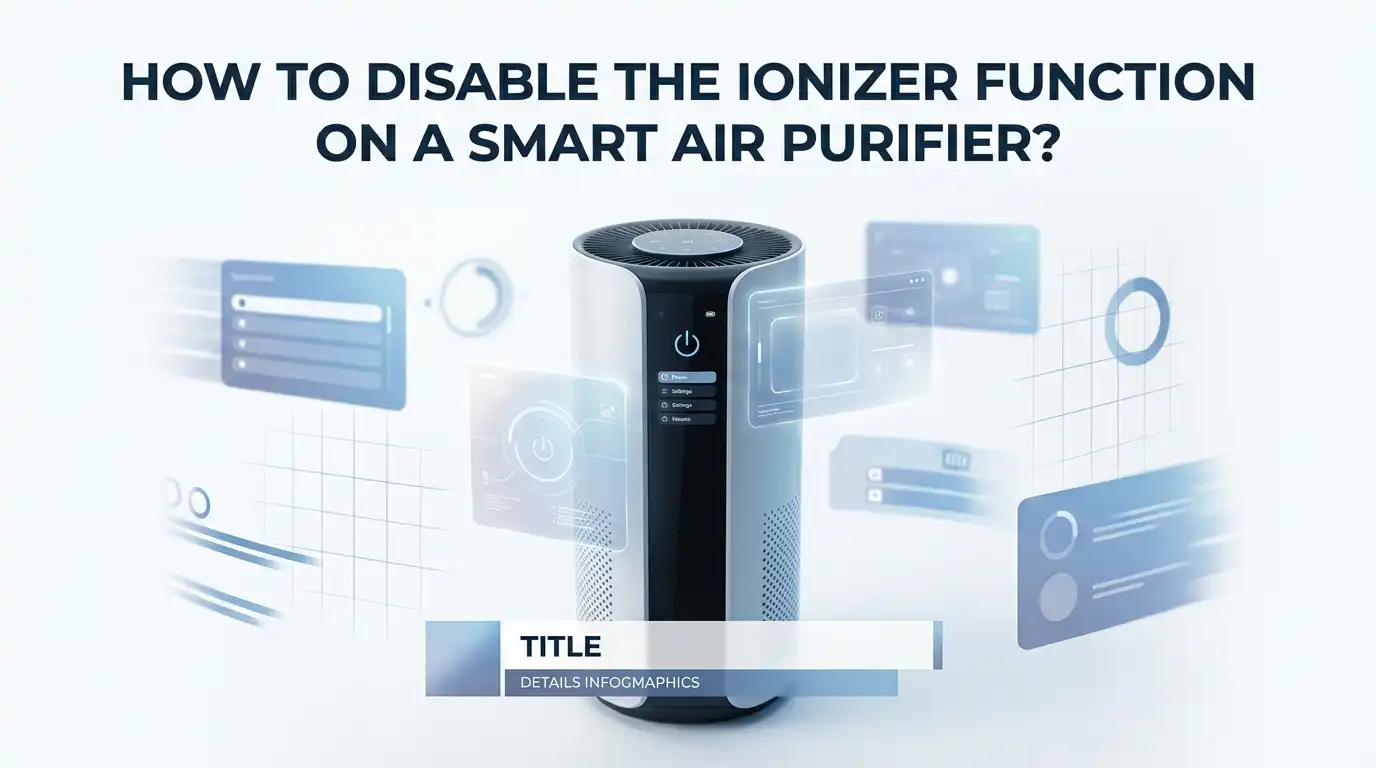
How To Disable The Ionizer Function On A Smart Air Purifier?
Your smart air purifier hums quietly in the corner, cleaning the air you breathe every single day. But did you know one hidden setting could be adding a lung irritant to your room?
The ionizer function. Many people switch it on without knowing what it does. Others want it off but cannot find the button anywhere. If you have ever stared at your purifier or its app feeling confused, you are in the right place.
This guide shows you exactly how to disable the ionizer on almost any smart air purifier. You will learn the buttons, the app steps, and the smart home tricks. Let us clear the air, literally.
In a Nutshell:
- The ionizer is optional on most units. You can almost always turn it off without harming the main HEPA filtration. The fan and filter still clean your air perfectly well without it.
- Ozone is the main reason people disable it. The EPA confirms that ion generators produce ozone indirectly, and ozone is a known lung irritant that can worsen asthma symptoms.
- There are three main ways to turn it off. You can use the physical button, the smartphone app toggle, or a smart home voice command through Alexa or Google Home.
- Some models hide the setting deep inside menus. You may need to check “Advanced Settings,” “Modes,” or “Plasma” labels because brands rename the ionizer feature often.
- A few units make it tricky on purpose. Certain purifiers reset the ionizer to “on” after a power cut, so you must check it regularly or update the firmware.
- CARB certified units are safer. California limits ozone output to 0.050 parts per million, so a certified model produces very little even when the ionizer runs.
What Is The Ionizer Function And Why It Matters
An ionizer is a small feature built into many air purifiers. It releases negative ions, which are charged particles, into the air. These ions attach to dust, smoke, and pollen floating around your room.
The particles then clump together and become heavy. Once heavy, they fall onto your floor, walls, and furniture.
This sounds helpful, and in some ways it is. The ionizer can help your purifier grab very tiny particles that a filter might miss. But here is the catch.
The ionizer does not actually capture the dirt. It just makes the dirt fall somewhere else in your room. You then breathe it again later when it gets stirred up. That is why understanding this feature matters so much for your health.
Why People Want To Turn Off The Ionizer
Most people disable the ionizer for one big reason. Ozone. When an ionizer charges the air, it can create ozone as a byproduct.
Ozone is a gas that irritates your lungs. The EPA clearly states that ion generators produce ozone indirectly, and this gas is no different from the smog you find outdoors.
People with asthma, allergies, or breathing problems feel this the most. The Mayo Clinic warns that even small amounts of inhaled ozone can cause coughing, chest pain, and throat irritation.
Another reason is dust. The ionizer makes particles drop onto your surfaces, so your shelves and tables get dusty faster. Some users simply notice a strange smell. Turning off the ionizer often removes that faint chemical odor and gives you cleaner, fresher air.
How To Find The Ionizer Setting On Your Device
Before you can disable the ionizer, you must find it. This is the trickiest part for most people. Manufacturers love to rename the ionizer with fancy marketing words.
You might see labels like “PlasmaWave,” “Plasma,” “Ion,” “Negative Ion,” “Anion,” or “Air Ionizer.” They all mean the same thing.
Start by checking the top control panel of your purifier. Look for a button with an atom symbol, a small wave icon, or the word “Ion.” Next, open your purifier’s app and tap through the menus. Check sections named “Modes,” “Settings,” “Advanced,” or “Functions.”
Some smart models bury the toggle two or three menus deep. If you still cannot find it, grab your user manual or search the model number online. The manual always names the exact feature and its location.
Method One: Using The Physical Button On The Purifier
The fastest way to disable the ionizer is the physical button. Most smart purifiers still keep a manual control panel on top of the unit. Walk over to your device and look closely at each button. You want the one marked “Ion,” “Ionizer,” or with a small atom or wave icon.
Press this button once and watch the indicator light. If a light turns off, the ionizer is now disabled. On some models, you must press and hold the button for three to five seconds.
The light will change color or switch off to confirm. Always check your indicator light after pressing so you know the change worked.
Pros: This method is instant and needs no internet or app. Anyone can do it in seconds.
Cons: Some units reset the ionizer to “on” after a power outage. Also, a few smart models removed the physical button entirely and force you to use the app.
Method Two: Disabling The Ionizer Through The Smart App
Most smart purifiers connect to a phone app like the brand’s own software, Mi Home, or a similar tool. The app gives you the clearest control over the ionizer. First, open the app and make sure your purifier shows as “connected” or “online.”
Tap on your device name to open its control screen. Look for a toggle or icon labeled “Ionizer,” “Ion,” or “Plasma.” Tap it once to switch it to the off position. The toggle usually turns gray or slides to the left when disabled.
Some apps hide this under a gear icon or an “Advanced Settings” tab, so explore every menu. After turning it off, close and reopen the app to confirm the setting saved. The app remembers your choice even after you unplug the unit on most modern models.
Pros: You can control it from anywhere and the setting often sticks permanently.
Cons: You need a stable Wi-Fi connection, and app menus change with every update.
Method Three: Using Voice Commands And Smart Home Hubs
If your purifier links to Alexa, Google Home, or Apple HomeKit, you can use your voice. This method works great when your hands are full or you are across the room. First, make sure your purifier is already added to your smart home app and linked correctly.
Try a simple command like “Alexa, turn off the ionizer on my air purifier.” Some brands need you to create a custom routine or scene first. You set the routine to keep the ionizer off, then trigger it with a single phrase.
Google Home and HomeKit follow similar steps through their own apps. Not every purifier supports ionizer control by voice, though. Many smart hubs only let you change fan speed or power, not the ionizer itself. Check your brand’s voice command list to see what works.
Pros: It is hands free and fast once set up.
Cons: Setup takes effort, and voice control of the ionizer is not supported on all units.
What To Do When The Ionizer Has No Off Switch
Some purifiers do not let you turn off the ionizer at all. This is common in cheaper “ionic” purifiers that rely on ions as their main cleaning method. If your unit has no button, no app toggle, and no voice option, you have a few choices.
First, double check the manual to be completely sure the feature is truly always on. Sometimes the off switch hides in a spot you missed. If it really cannot be disabled, the safest fix is to limit how you use the device. Run it only in empty rooms and turn it off before you sleep there.
Improve airflow by opening a window now and then. In the long run, consider switching to a true HEPA purifier that uses a filter as its main cleaning power. A HEPA unit cleans well without producing any ozone at all.
How To Stop The Ionizer From Turning Back On
This problem frustrates many users. You turn off the ionizer, and the next day it is on again. The most common cause is a power outage or unplugging the unit. Many purifiers reset to factory defaults after losing power, and the ionizer often defaults to “on.”
The best fix is to set the preference inside the app rather than the physical button. App settings tend to save permanently and survive power cuts on most smart models. Another fix is a firmware update. Outdated firmware sometimes causes settings to reset on their own.
Open your app, find “Device Info” or “Firmware,” and install any update available. If your unit still resets, make checking the ionizer part of your routine. A quick glance at the control panel each morning keeps you in control.
Keeping Your Smart Purifier Firmware Updated
Firmware is the small software that runs inside your purifier. Keeping it updated helps your ionizer setting stay exactly where you put it. Outdated firmware can cause bugs, lost settings, and a stubborn ionizer that switches back on by itself.
Open your purifier app and look for a section called “Firmware,” “Device Info,” or “System Update.” If an update is ready, tap it and keep your purifier connected to Wi-Fi during the whole process. Do not unplug the unit while it updates, or you may cause errors.
The update can take several minutes, so be patient. After it finishes, check your ionizer toggle again to confirm it stayed off. A current firmware version also gives you better app controls and clearer labels, which makes managing every feature far easier.
Verifying The Ionizer Is Truly Off
Turning off the ionizer is one thing. Knowing for sure it is off is another. You should always verify the change so you can trust your air is clean. The easiest check is the indicator light. Most purifiers show a small light or icon when the ionizer runs, and it disappears when disabled.
Next, open your app and look at the device status screen. A good app shows whether each feature is active or off in plain words. You can also listen and watch closely. Some ionizers make a very faint crackle or hiss when running, and that sound stops when off.
If you still feel unsure, an inexpensive ozone or air quality monitor can confirm the air is free of ozone. Once both the light and the app agree, you can relax knowing the job is done.
Pros And Cons Of Running The Ionizer At All
Before you decide forever, it helps to weigh both sides fairly. An ionizer is not pure evil, and it does offer some real benefits in certain situations. Knowing the full picture helps you choose what fits your home.
Pros of using the ionizer: It can help trap very tiny particles that slip past filters. It may make a small room feel fresher. Some people with no breathing issues notice no problem at all, especially with a CARB certified unit that limits ozone to 0.050 parts per million.
Cons of using the ionizer: It can produce ozone, a lung irritant. It makes dust settle on your surfaces instead of capturing it. It may worsen asthma and allergy symptoms.
For most homes, especially with kids, pets, or sensitive lungs, the cons outweigh the pros. That is why so many experts suggest keeping it switched off.
Safer Alternatives To The Ionizer Function
If you turn off the ionizer, you may worry your air will get dirtier. Good news. A true HEPA filter does the heavy lifting all on its own.
A HEPA filter physically traps 99.97 percent of tiny particles, including dust, pollen, smoke, and pet dander. It captures them inside the filter, so they never return to your air.
Pair your HEPA filter with an activated carbon filter to remove smells and gases too. This combination cleans your air without producing any ozone, which makes it a safer choice for everyone. You can also improve your air naturally.
Open windows for fresh airflow, vacuum often with a sealed vacuum, and reduce indoor smoke and strong chemicals. Choosing a purifier that is CARB certified gives you extra peace of mind. These steps keep your air clean, fresh, and free of any lung irritant.
Frequently Asked Questions
Is it safe to use my air purifier without the ionizer on?
Yes, it is completely safe. The ionizer is an optional extra feature on most units. Your HEPA filter and fan continue to clean the air on their own. In fact, many experts say the air is healthier without the ionizer because you avoid any ozone production while still removing dust, smoke, and allergens.
Will turning off the ionizer reduce my purifier’s cleaning power?
No, not in any meaningful way. The main cleaning comes from the HEPA filter, not the ionizer. The ionizer only makes particles clump and fall, which actually leaves dust on your surfaces. A quality HEPA filter traps 99.97 percent of fine particles with no help needed from the ionizer at all.
How do I know if my air purifier even has an ionizer?
Check your control panel and app for words like “Ion,” “Ionizer,” “Plasma,” or “Anion.” Look for an atom or wave shaped icon too. Your user manual lists every feature your model includes, so it is the most reliable place to confirm. You can also search your exact model number online for a full feature list.
Does every ionizer produce dangerous ozone?
Not every one produces dangerous levels. CARB certified units must stay under 0.050 parts per million of ozone, which is very low. Cheaper or uncertified ionizers can produce more, though. The EPA notes that ion generators create ozone indirectly, so if you have breathing concerns, keeping it off is the safest choice.
Why does my ionizer keep turning back on by itself?
This usually happens after a power outage or unplugging the unit. Many purifiers reset to factory defaults, and the ionizer often defaults to on. Set your preference inside the app instead of the button, since app settings often save permanently. A firmware update can also fix this annoying reset problem on many smart models.
Can I control the ionizer with Alexa or Google Home?
Sometimes, but not always. Some brands let you toggle the ionizer with a voice command or a custom routine. Many smart hubs only control power and fan speed, though, not the ionizer itself. Check your purifier brand’s list of supported voice commands to see exactly what your device allows.

I’m Maya Brown, the voice behind Pure Breeze Vault. I write detailed, honest, and easy-to-follow air purifier reviews to help readers compare features, understand filter technologies, and choose products with confidence. My goal is to make research simpler, clearer, and more practical for anyone improving indoor air quality at home.