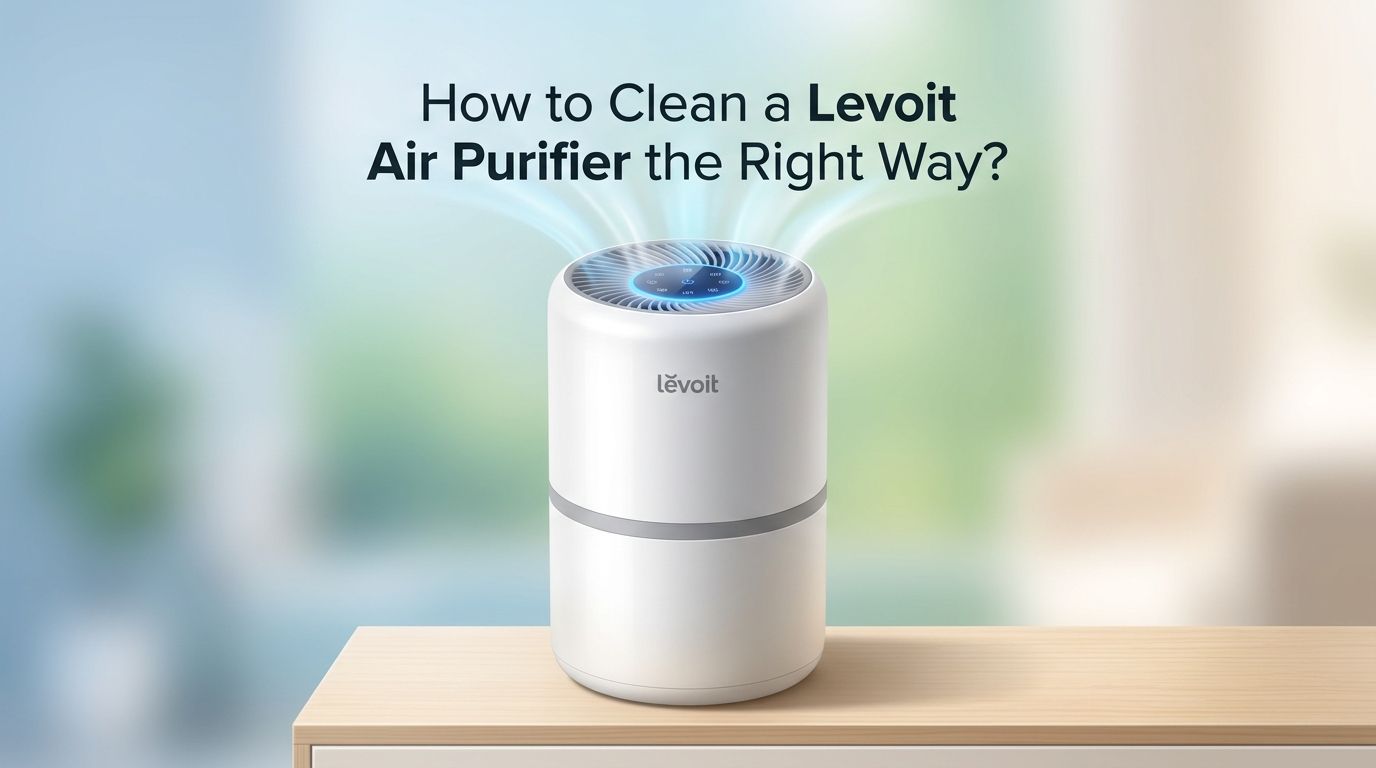
How to Clean a Levoit Air Purifier the Right Way?
Your Levoit air purifier works around the clock to remove dust, pollen, pet dander, and odors from your home. But what happens when the very device that cleans your air gets dirty?
A neglected air purifier can actually push trapped pollutants back into the air you breathe. Reduced airflow, strange smells, and a stubborn red filter light are all signs that your Levoit unit needs attention.
The good news is that cleaning your Levoit air purifier is simple and takes less than an hour. This guide covers every step you need, from wiping the exterior to deep cleaning the interior, vacuuming filters, resetting the filter indicator, and storing your unit safely during off seasons.
Key Takeaways
- Unplug your Levoit air purifier before any cleaning task. This protects you from electrical shock and prevents damage to internal parts. Wait at least a few minutes for the unit to cool down before you begin.
- Clean the exterior every two to four weeks with a damp microfiber cloth. Dust, pet hair, and grime collect on the outer casing. A quick wipe down prevents this buildup from entering the air stream.
- Vacuum the pre filter every two to four weeks using a brush attachment. The pre filter catches large particles like hair and lint. Regular vacuuming keeps airflow strong and extends the life of the main filter behind it.
- Never wash a Levoit HEPA filter with water. Water destroys the electrostatic charge that allows the HEPA filter to trap tiny particles. Replace the HEPA filter every six to twelve months instead of washing it.
- Reset the filter indicator light after installing a new filter. Press and hold the filter reset button for three to five seconds until the red light turns off. This resets the internal timer so the indicator works correctly going forward.
- Perform a full deep clean once a year. This includes vacuuming the interior, wiping down all surfaces with a mild detergent, cleaning around controls with a cotton swab, and checking all vents for blockages.
How to Prepare Your Levoit Air Purifier for Cleaning
Before you touch any part of your Levoit unit, always unplug the power cord from the wall outlet. This is the most important safety step. Even a quick exterior wipe should be done with the unit unplugged.
Place the air purifier on a clean towel or flat surface in a well lit area. Good lighting helps you spot dust in hard to reach vents and crevices. Keep a vacuum with a brush attachment, a microfiber cloth, cotton swabs, and mild dish soap close by.
Work with dry hands only. Moisture near electrical contacts can cause damage. If your unit has been running for a while, let it sit for five to ten minutes after unplugging so internal parts can cool down.
Pros: Prevents electrical hazards, protects internal parts, and makes the cleaning process smoother.
Cons: Adds a few extra minutes before you can start cleaning.
How to Clean the Exterior of a Levoit Air Purifier
Dust and debris settle on the outer casing of your Levoit air purifier over time. Levoit recommends wiping down the exterior every two to four weeks with a damp microfiber cloth.
Start at the top and work your way down each side. Pay extra attention to air intake vents and corners where dust tends to collect. Use only a small amount of water on the cloth. You do not want moisture dripping into openings.
For stubborn grime or sticky spots, add a tiny drop of mild dish soap to your damp cloth. A soft bristle brush also works well for loosening debris stuck in vent grooves. Follow up with a dry microfiber cloth to remove any leftover moisture.
Pros: Quick, easy, requires no special tools, and keeps the unit looking clean.
Cons: Does not address internal dust or filter buildup.
How to Vacuum and Clean the Pre Filter
The pre filter is the first layer of defense in your Levoit air purifier. It captures large particles like pet hair, lint, and visible dust before they reach the main HEPA filter. Cleaning it regularly is one of the best things you can do for your unit.
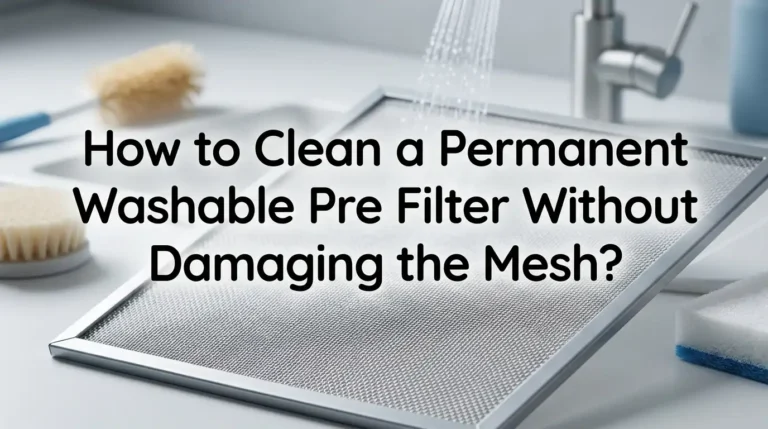
Remove the front or bottom panel of your Levoit model to access the pre filter. Use the brush attachment on your vacuum and run it gently across both sides of the pre filter. Always use downward strokes to avoid pushing debris deeper into the filter material.
For homes with pets, vacuum the pre filter every two weeks. For average homes, once a month is enough. Some users wash their pre filter under lukewarm water with a drop of unscented dish soap. If you do this, let it air dry completely for at least 24 hours before reinstalling it. A damp pre filter can promote mold growth and damage the HEPA filter behind it.
Pros: Extends HEPA filter life, restores airflow, costs nothing.
Cons: Washing adds a full day of drying time, and reinstalling a damp filter can cause mold.
How to Handle the HEPA Filter Without Damaging It
The HEPA filter is the core of your Levoit air purifier. It traps 99.97% of airborne particles as small as 0.3 microns, including pollen, mold spores, and fine dust. This filter cannot be washed.
Water destroys the electrostatic charge that gives HEPA filters their particle trapping ability. Running water through a HEPA filter also breaks down the tightly woven fibers, which creates gaps that let pollutants pass through.
The only safe way to clean a Levoit HEPA filter is to gently vacuum the outer surface with a brush attachment. This removes surface dust and can buy you a few extra weeks of use. However, vacuuming does not restore a HEPA filter to like new condition.
Replace the HEPA filter every six to twelve months, depending on usage. Pet owners, smokers, or people in high pollution areas should lean closer to the six month mark. You will know it is time to replace when airflow feels weak even after pre filter cleaning, or when the filter looks yellow or brown.
Pros: Vacuuming extends filter life slightly, and replacement ensures full performance.
Cons: Replacement filters have a recurring cost, and vacuuming provides only limited improvement.
How to Clean the Activated Carbon Filter
The activated carbon filter handles odors, gases, and volatile organic compounds (VOCs) in your air. It sits behind or alongside the HEPA filter in most Levoit models.
Like the HEPA filter, the carbon filter cannot be washed with water. Even a small amount of moisture ruins the tiny pores in the activated carbon that absorb odors and chemicals. Once those pores are saturated or wet, the filter stops working.
You can gently vacuum the carbon filter to remove surface dust. Replace it every three to six months or sooner if you notice lingering odors in your home despite the purifier running. A saturated carbon filter can actually release trapped odors and chemicals back into your air.
Pros: Regular replacement keeps your home smelling fresh and removes harmful VOCs.
Cons: Carbon filters need more frequent replacement than HEPA filters, adding to maintenance costs.
How to Reset the Red Filter Indicator Light on a Levoit Air Purifier
The red filter indicator light on your Levoit air purifier turns on after a set period, usually six to twelve months. It signals that the filter has reached the end of its useful life. This light does not reset automatically when you install a new filter. You need to reset it manually.
For most Levoit models, the process is the same. Make sure the air purifier is plugged in and powered on. Press and hold the filter reset button for three to five seconds. The red light should turn off, and the timer resets for the next cycle.
On smart models like the Core 300S or Core 400S, you can also reset the filter indicator through the VeSync app. Open the app, select your device, and tap the “Reset Filter” option.
If the red light stays on after resetting, unplug the unit for ten minutes. Plug it back in and try the reset again. Corrosion on the metal contacts inside the filter compartment can also block the reset signal. Clean those contacts gently with a cotton swab dipped in rubbing alcohol.
Pros: Takes only a few seconds, ensures the filter timer is accurate.
Cons: Users sometimes forget this step and worry about a persistent red light.
How to Deep Clean the Interior of a Levoit Air Purifier
An annual deep clean keeps your Levoit air purifier running at full capacity. This goes beyond regular filter maintenance and addresses dust and grime that accumulate inside the housing.
Unplug the unit and remove all filters. Use the hose attachment of your vacuum to clean dust buildup around the fan intake and interior walls. Be careful around electronic parts.
Dampen a microfiber cloth with warm water and a small amount of mild detergent. Wipe all interior surfaces, including the filter compartment and any plastic housings. Use a cotton swab dipped in rubbing alcohol to clean around buttons, controls, and small crevices where dust hides.
Check all intake and output vents for blockages. Hair, lint, and dust bunnies can reduce airflow by a significant amount. Run the unit on the highest fan speed for 30 to 60 minutes after reassembly to verify full airflow.
Pros: Restores peak performance, removes hidden mold or bacteria, extends unit lifespan.
Cons: Takes more time and effort than routine cleaning.
How to Disinfect the Inside of Your Levoit Unit to Prevent Mold
Mold and bacteria can grow inside your air purifier, especially in humid environments or during warmer months. A simple disinfection every three to six months keeps the interior sanitary.
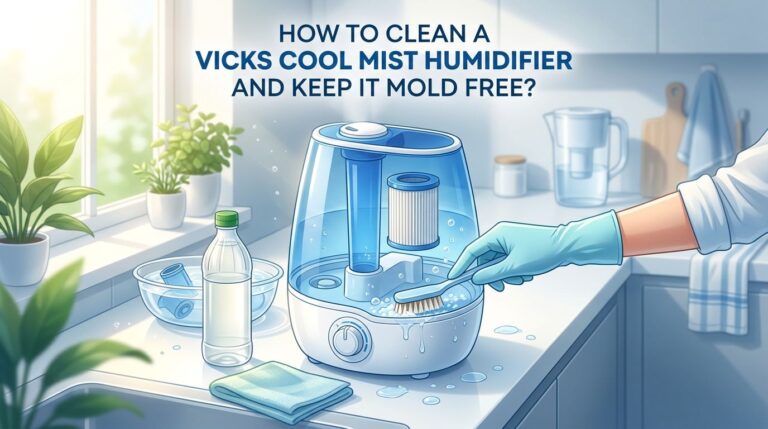
Remove the filters and take the unit to a well ventilated area. Mix a solution of one part white vinegar to ten parts water in a spray bottle. Lightly mist the interior plastic housing. Avoid spraying directly on any electronic parts, sensors, or wiring.
Wipe the misted surfaces with a clean cloth and allow everything to air dry completely before reinstalling filters. For visible mold spots, use a soft bristle brush to scrub the area before wiping it clean.
Pros: Kills mold and bacteria, prevents musty smells, improves air quality.
Cons: Requires extra caution around electronics, and the unit must dry fully before use.
How to Check Airflow After Cleaning Your Levoit Air Purifier
After every cleaning session, verify that air is flowing properly through your unit. A simple test takes less than a minute and can save you from running a poorly performing purifier.
Hold a tissue or a thin piece of paper near the air intake while the unit is running. The tissue should be pulled in firmly within a few seconds. Then hold the tissue near the output vent. You should feel a steady stream of air that makes the tissue flutter.
If airflow feels weak, check these common causes. The pre filter might be installed backward. Look for arrows on the filter frame that indicate the correct airflow direction. The HEPA filter might still be wrapped in its plastic packaging. New Levoit filters come sealed in plastic that must be removed before use.
Pros: Quick verification catches problems before they reduce air quality.
Cons: Does not detect subtle performance drops that require an air quality monitor.
How to Store a Levoit Air Purifier During Seasonal Non Use
If you plan to store your Levoit air purifier for a few months, proper storage prevents mold, sensor damage, and motor issues.
Complete a full cleaning before storage. Remove the filters and place them in sealed bags with silica gel packets to absorb moisture. Cover the unit with a breathable cotton cloth rather than plastic, which traps humidity and encourages mold growth.
Store the unit in a climate controlled space. Avoid basements, attics, or garages where temperature swings and moisture levels can damage the motor and electronics. Run the unit for about one hour each month during storage to keep internal parts in working condition.
Pros: Protects your investment, prevents mold and corrosion, extends unit life.
Cons: Requires periodic check ins and a suitable storage location.
How to Troubleshoot Common Problems After Cleaning a Levoit Air Purifier
Sometimes issues pop up right after a cleaning session. Here are the three most common problems and their solutions.
The filter indicator light stays red after reset. Clean the metal contacts inside the filter compartment with a rubbing alcohol swab. Unplug the unit for ten minutes, plug it back in, and try the reset process again.
Airflow is weak even with clean filters. Make sure you removed all plastic wrapping from new filters. Check that the pre filter faces the correct direction. Inspect the fan blades for dust buildup that may have been missed during cleaning.
A musty smell persists after cleaning. This usually means mold is growing inside the housing. Use the vinegar solution method described above and run the unit on high for an hour in a well ventilated room. If the smell continues, the carbon filter is likely saturated and needs replacement.
Pros: Saves time and money by fixing issues at home.
Cons: Persistent problems may require professional support or warranty service from Levoit.
How to Set a Cleaning Schedule That Keeps Your Levoit Running Perfectly
Consistency matters more than effort. A simple cleaning schedule prevents small issues from becoming big problems. Here is a practical timeline you can follow.
Every two to four weeks: Wipe the exterior with a damp microfiber cloth. Vacuum the pre filter with a brush attachment.
Every three to six months: Disinfect the interior. Check and replace the activated carbon filter if needed.
Every six to twelve months: Replace the HEPA filter. Reset the filter indicator light.
Once a year: Perform a full deep clean of the interior, fan area, vents, and controls.
Write these dates in your phone calendar with reminders. Levoit air purifiers that receive regular maintenance last significantly longer and perform better than units that are cleaned only when problems appear.
Pros: Prevents emergency maintenance, keeps air quality consistently high, extends unit lifespan.
Cons: Requires a small time commitment on a regular basis.
Frequently Asked Questions
How often should I clean my Levoit air purifier?
You should wipe down the exterior every two to four weeks and vacuum the pre filter on the same schedule. A full deep clean should happen once a year. Filter replacements depend on the type. HEPA filters last six to twelve months, and carbon filters last three to six months.
Can I wash the Levoit HEPA filter with water?
No. Washing a HEPA filter with water destroys its electrostatic charge and breaks down the fibers. This allows particles to pass through. You can gently vacuum the surface to remove loose dust, but the filter must be replaced when it reaches the end of its life.
Why is my Levoit air purifier red light still on after changing the filter?
The filter indicator light does not reset on its own. You need to press and hold the filter reset button for three to five seconds while the unit is on. If the light persists, clean the metal contacts inside the filter compartment with rubbing alcohol and try again.
How do I know when to replace the filter on my Levoit air purifier?
The red filter indicator light will turn on when the filter timer has run out. You may also notice reduced airflow, visible discoloration on the filter, or lingering odors in your home. These are all signs the filter needs replacement.
Is it safe to use bleach inside my Levoit air purifier?
Levoit suggests a diluted bleach or vinegar solution for interior disinfection. Use a damp cloth rather than spraying directly inside the unit. Always avoid getting any liquid on electronic parts, sensors, or wiring. Let everything dry completely before reassembling and turning the purifier back on.
Can I run my Levoit air purifier 24 hours a day?
Yes. Levoit recommends running your air purifier continuously for the best air quality. Most models have adjustable fan speeds and sleep modes that reduce noise and energy use during nighttime hours. Continuous operation does mean filters may need replacement closer to the six month mark.

I’m Maya Brown, the voice behind Pure Breeze Vault. I write detailed, honest, and easy-to-follow air purifier reviews to help readers compare features, understand filter technologies, and choose products with confidence. My goal is to make research simpler, clearer, and more practical for anyone improving indoor air quality at home.