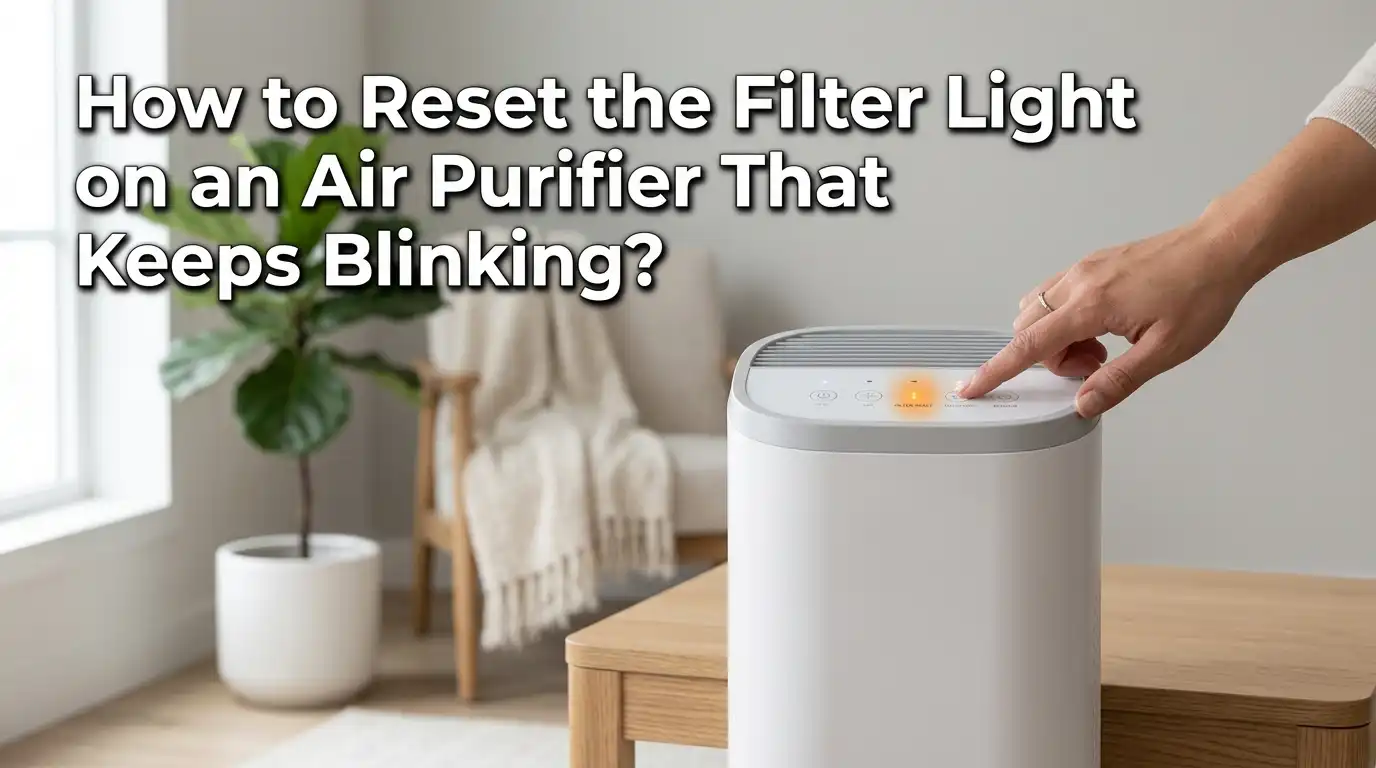
How to Reset the Filter Light on an Air Purifier That Keeps Blinking?
That little blinking light on your air purifier can drive you crazy. You changed the filter, you cleaned the unit, and still that red or orange indicator keeps flashing at you like a stubborn alarm clock.
You are not alone. Thousands of air purifier owners face this exact problem every single day. The good news? The fix is usually fast and simple once you know what to do.
Most air purifiers use a built in timer to track filter usage. This timer tells the light to blink after a set number of hours. The catch is that the timer does not reset on its own, even after you install a brand new filter.
Key Takeaways
- The filter light blinks because of a built in timer, not because it detects the condition of your filter. This timer counts operating hours and triggers the indicator after a set period, usually between 2,000 and 4,000 hours of use.
- You must manually reset the filter indicator after every filter change. Simply replacing the filter will not turn off the blinking light on most models. Look for a dedicated reset button or use a specific button hold sequence.
- The reset process varies by brand. Levoit purifiers require holding the filter reset button for 3 to 5 seconds. Honeywell models need you to press and hold the lighted button for about 2 seconds. Blueair units ask you to hold the fan speed button for 15 seconds. Always check your model’s instructions.
- A blinking light after a reset may point to a deeper issue. If you complete the reset and the light returns, the problem could be a dirty sensor, a loose filter cover, or a software glitch that needs a full power cycle to resolve.
- Regular maintenance prevents most blinking light problems. Clean your air quality sensors every few months, keep the filter compartment free of dust and debris, and replace filters on schedule. This keeps the unit running smooth and the indicators accurate.
- Unplugging your air purifier for 30 seconds can serve as a universal soft reset. This clears minor electronic glitches and often solves persistent blinking lights when the standard reset method does not work.
Why Does the Filter Light on Your Air Purifier Keep Blinking
The blinking filter light is a reminder system, not a live sensor reading. Most air purifiers use an internal timer that counts the hours the unit runs. Once the timer hits a preset number, the light activates to tell you the filter might need a replacement.
This is why the light continues to blink even after you install a fresh filter. The timer does not “know” you changed the filter. It simply counts hours and triggers the alert. You need to reset the counter yourself so the system starts fresh.
Some higher end models do include actual filter condition sensors. These measure airflow resistance or particle levels to determine filter health. Even on these units, a manual reset is often still required after a filter swap. The sensor needs a signal from you to confirm the new filter is in place.
Pros of timer based systems: Simple and reliable, no extra sensor hardware, works on all filter types.
Cons of timer based systems: Cannot detect actual filter condition, requires manual reset, may trigger too early or too late depending on usage.
How to Reset the Filter Light on Popular Air Purifier Brands
Each brand has its own reset method, but the general process is similar. You press and hold a button for a few seconds until the light turns off. Here is a quick breakdown of the most common brands.
For Levoit air purifiers, turn off the unit, then press and hold the filter reset button for 3 to 5 seconds. Release the button when the indicator light turns off. Some older Levoit models like the PUR131 require you to use a small screwdriver to press an internal reset button on the side of the unit and hold it for 5 seconds until you hear a beep.
For Honeywell air purifiers, keep the unit powered on and press the lighted filter button. Hold it for about 2 seconds until the light turns off. The electronic filter check resets automatically after this.
For Blueair models, press and hold the fan speed button for about 15 seconds. All the LEDs on the interface will light up briefly, and then the filter indicator resets.
For Coway air purifiers, press the Filter Reset button and hold it for about 2 seconds. The indicator light will stop blinking once the reset is complete.
Pros of brand specific resets: Quick, designed for the specific unit, usually takes under 30 seconds.
Cons of brand specific resets: Different for every brand, easy to forget the exact steps, some models have hard to find buttons.
The Universal Power Cycle Reset Method
If you cannot find your manual or the standard reset button is not working, a power cycle reset works on most air purifiers. This method clears minor electronic glitches and resets the system memory.
Start by turning off your air purifier. Unplug it from the wall outlet completely. Wait for at least 30 seconds to allow the internal capacitors to discharge. Some technicians recommend waiting a full 60 seconds for stubborn issues.
Plug the unit back in and turn it on. Immediately press and hold the filter reset button, if your model has one, for 3 to 5 seconds. The blinking light should now be off.
This method works because many air purifiers store their timer data in volatile memory that clears when power is fully removed. It is the air purifier equivalent of “turning it off and on again,” and it solves more problems than you might expect.
Pros of this method: Works on almost all brands, no tools or special knowledge needed, also fixes other minor glitches.
Cons of this method: May reset other settings like fan speed and timer preferences, does not fix hardware problems.
What to Do When the Filter Light Blinks After a Reset
Sometimes the light comes right back after you complete the reset. This is frustrating, but it usually means one of a few specific things is going on with your unit.
Check the filter installation first. A filter that is not seated properly can trigger the indicator. Open the filter compartment, remove the filter, and reinsert it firmly. Make sure you have removed all plastic packaging from the new filter. This is a surprisingly common mistake that causes persistent blinking.
Next, check if the child lock is engaged. Some air purifiers block the reset function when the lock feature is active. Look for a lock icon on the control panel. If it is highlighted, press and hold the lock button to deactivate it before attempting the reset again.
If the light still blinks, try the reset while the unit is in a specific state. Some models require the unit to be powered on during the reset. Others need it to be on standby mode. Try both approaches if your first attempt fails.
Pros of thorough troubleshooting: Often reveals simple fixes, saves a service call, helps you understand your unit better.
Cons of thorough troubleshooting: Takes time, may require multiple attempts, not guaranteed to solve sensor based issues.
How to Clean the Air Quality Sensor
A dirty air quality sensor can send false signals to the control board. This may cause the filter light to blink even after a successful reset. Most air purifiers have a small dust sensor located behind a removable cover.
To clean the sensor, first unplug your air purifier. Locate the sensor cover, which is usually a small panel on the side or back of the unit. Gently open it to reveal the sensor lens inside.
Use a dry cotton swab to wipe the sensor lens carefully. If there is built up grime, lightly dampen the swab with water. Never use cleaning chemicals on the sensor. After cleaning, use a second dry cotton swab to remove any moisture. Close the sensor cover, plug the unit back in, and test it.
Clean your air quality sensor every 2 to 3 months for best results. Homes with pets, smokers, or high dust levels should clean it monthly. A clean sensor gives accurate readings and prevents false blink alerts.
Pros of sensor cleaning: Prevents false alerts, improves air quality readings, extends sensor life.
Cons of sensor cleaning: Requires care to avoid damage, some models have hard to access sensors.
How to Tell If Your Filter Actually Needs Replacing
The blinking light may be telling you the truth. Sometimes the filter genuinely needs to be changed. Here are the signs that your filter is past its useful life.
Look at the filter color. A new HEPA filter is white or light gray. A used one turns dark gray or black as it collects particles. If your filter looks visibly dark and dirty, it is time for a replacement regardless of what the timer says.
Check for reduced airflow. Hold your hand near the air outlet. If the airflow feels noticeably weaker than when the filter was new, the filter may be clogged. A clogged filter forces the motor to work harder, which reduces efficiency and increases energy use.
Notice any unusual smells. A filter that is saturated with particles can start to release musty or unpleasant odors back into the room. This is a clear sign the filter has reached its capacity and is no longer doing its job.
Most manufacturers recommend replacing filters every 6 to 12 months depending on usage and air quality conditions. Homes with pets or allergy sufferers may need to replace filters closer to the 6 month mark.
Step by Step Reset Guide for Levoit Air Purifiers
Levoit is one of the most popular air purifier brands, and their filter reset process is straightforward. Follow these exact steps to clear the blinking filter light on your Levoit unit.
Step 1: Make sure the air purifier is plugged in. Turn the unit to standby mode by pressing the power button so the display turns off but the unit remains connected to power.
Step 2: Locate the filter reset button on the control panel. It is usually labeled with a filter icon or the words “Filter Reset.”
Step 3: Press and hold the filter reset button for 3 seconds. You will see the filter indicator light turn on briefly.
Step 4: Release the button. The indicator light should now turn off, confirming the reset is complete.
For the Levoit Core series (200S, 300, 300S, 400S, 600S), this process works the same way. For older models like the LV PUR131, you need a small screwdriver to press the recessed reset button on the side of the unit. Hold it down for 5 seconds until you hear a beep.
If the light does not turn off, unplug the unit for 30 seconds, plug it back in, and repeat the reset steps. This two step approach resolves the issue in almost every case.
Step by Step Reset Guide for Honeywell Air Purifiers
Honeywell air purifiers use a simple electronic filter check system. Resetting it takes only a few seconds, but you need to follow the correct sequence.
Step 1: Keep the air purifier powered on. The unit must be running for the reset to work. Do not turn it off or put it in standby mode.
Step 2: Find the lighted filter indicator button on the control panel. It is usually the button that is currently glowing or blinking.
Step 3: Press and hold that lighted button for approximately 2 seconds. Do not tap it quickly. Hold it down with steady pressure.
Step 4: Release the button when the light turns off. The electronic filter check timer has now reset to zero.
Honeywell recommends resetting this indicator every time you replace or clean the filter. The pre filter on many Honeywell units is washable, so you should reset the light after cleaning it as well, not just after full replacements.
If the button does not respond, check that the unit is not in a locked state. Some Honeywell models have a panel lock that disables button inputs until you unlock it.
Step by Step Reset Guide for Blueair and Coway Models
Blueair and Coway are popular choices for home air purification. Their reset methods differ from each other, so here are the steps for both.
For Blueair models, the reset uses the fan speed button. Turn the air purifier on and let it run. Press and hold the fan speed button for 15 seconds. During this time, all the LED indicators on the panel will light up together. Once they flash, release the button. The filter timer is now reset, and the red indicator light will turn off.
If the red light returns after the reset on a Blueair unit, the system may have a firmware issue. Unplug the unit for 60 seconds, then repeat the reset process after plugging it back in.
For Coway air purifiers, locate the Filter Reset button on the control panel. Press and hold it for 2 seconds. The filter indicator light will turn off, and the internal timer will reset to zero.
Some Coway models have separate reset indicators for the HEPA filter and the pre filter. Make sure you reset the correct one based on which filter you replaced. The pre filter indicator typically resets with a shorter button press.
Pros of following brand specific steps: Highest success rate, uses the manufacturer’s intended process.
Cons of following brand specific steps: Requires knowing your exact model, steps can change between model generations.
Common Mistakes That Keep the Filter Light Blinking
Several easy to avoid mistakes cause the filter light to keep blinking even after you think you have done everything right. Knowing these mistakes can save you a lot of frustration.
Mistake one: leaving plastic wrap on the new filter. New filters come sealed in plastic bags. You must remove this packaging completely before inserting the filter. A wrapped filter blocks airflow and may prevent the unit from registering the new filter.
Mistake two: not seating the filter correctly. If the filter is crooked, upside down, or not pushed all the way in, the unit may not recognize it. Remove the filter and reinstall it, making sure it clicks or sits flush inside the compartment.
Mistake three: skipping the reset entirely. Many people assume the air purifier will detect the new filter automatically. Most units do not. You must press the reset button after every filter change.
Mistake four: pressing the reset button too briefly. A quick tap will not work. The reset requires a sustained hold of 2 to 15 seconds depending on the brand. Count the seconds aloud to make sure you hold it long enough.
How to Prevent the Filter Light From Becoming a Recurring Problem
Consistent maintenance keeps your air purifier running clean and prevents the filter light from causing confusion in the future.
Set a reminder on your phone for filter replacement. Most filters last between 6 and 12 months. A calendar alert removes the guesswork and ensures you change the filter before it becomes a problem.
Always reset the filter indicator immediately after installing a new filter. Do not wait until the next time you use the unit. Reset it right away so the timer starts fresh from the correct point.
Clean the inside of the filter compartment each time you swap filters. Use a soft brush or a vacuum with a brush attachment to remove loose dust and debris. A clean compartment helps the new filter seat properly and keeps sensors accurate.
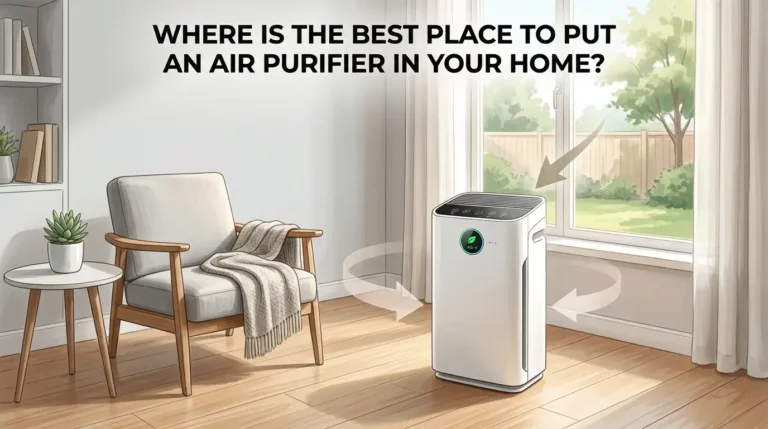
Keep your air purifier in a well ventilated spot with at least 15 inches of clearance around the intake and outlet. Good placement reduces strain on the filter and helps the unit operate at peak efficiency. This means longer filter life and fewer unexpected indicator alerts.
When to Contact Customer Support or a Professional
If you have tried every reset method, cleaned the sensors, checked the filter installation, and power cycled the unit, but the light still blinks, it may be time to call in help.
Persistent blinking after multiple resets may indicate a faulty control board. The circuit that manages the timer and indicator light can malfunction due to power surges or internal wear. This is not something you can fix at home.
Unusual sounds combined with blinking lights suggest a mechanical problem. A grinding or rattling noise paired with a flashing filter light often means the motor or fan assembly needs attention.
Error code patterns are another sign to seek professional help. Some air purifiers blink in specific patterns (like three short blinks followed by a pause) to indicate particular errors. Check your user manual for error code definitions. If you no longer have the manual, most manufacturers offer digital copies on their websites that you can download for free.
Contact your brand’s customer support team before taking the unit to a repair shop. Many issues can be resolved over the phone, and your unit may still be under warranty.
Frequently Asked Questions
Why does my air purifier filter light blink even after I changed the filter?
The filter light blinks because of a built in timer that counts operating hours. Replacing the filter does not automatically reset this timer. You need to press and hold the filter reset button on your air purifier for a few seconds to clear the counter. The exact hold time varies by brand, ranging from 2 seconds for Honeywell to 15 seconds for Blueair.
How long should I hold the reset button to turn off the filter light?
The hold time depends on your air purifier brand. Levoit models require 3 to 5 seconds. Honeywell models need about 2 seconds. Blueair models require 15 seconds. If you are unsure, start with 5 seconds and increase to 15 seconds if the light does not turn off. Always check your user manual for the exact duration for your model.
Can I just unplug my air purifier to reset the filter light?
Unplugging the unit for 30 to 60 seconds can work as a soft reset on many models. This clears temporary electronic glitches and may turn off the blinking light. However, some air purifiers store timer data in permanent memory that survives a power loss. For these units, you will still need to use the dedicated reset button after plugging back in.
What does a red blinking light mean on an air purifier?
A red blinking light typically means the filter has reached the end of its recommended use period. It is a reminder to replace the filter. In some cases, it can also signal poor air quality detected by the sensor, a clogged air intake, or a sensor malfunction caused by dust buildup. Check the filter condition first, then clean the sensor if the light persists after a reset.
How often should I replace my air purifier filter?
Most manufacturers recommend replacing the main HEPA filter every 6 to 12 months. Pre filters, which are often washable, should be cleaned every 2 to 4 weeks. The actual replacement frequency depends on daily usage hours, indoor air quality, and whether you have pets or smokers in the home. Dusty environments and homes with animals may need filter changes closer to the 6 month mark.
My air purifier has no reset button. How do I reset the filter light?
Some air purifier models use a button combination instead of a dedicated reset button. Common methods include holding the power button for 5 seconds, pressing the timer button for 5 seconds while in auto mode, or holding the fan speed button for 15 seconds. Check your user manual or the manufacturer’s website for your specific model. If you cannot find instructions, contact the brand’s customer support team for guidance.

I’m Maya Brown, the voice behind Pure Breeze Vault. I write detailed, honest, and easy-to-follow air purifier reviews to help readers compare features, understand filter technologies, and choose products with confidence. My goal is to make research simpler, clearer, and more practical for anyone improving indoor air quality at home.