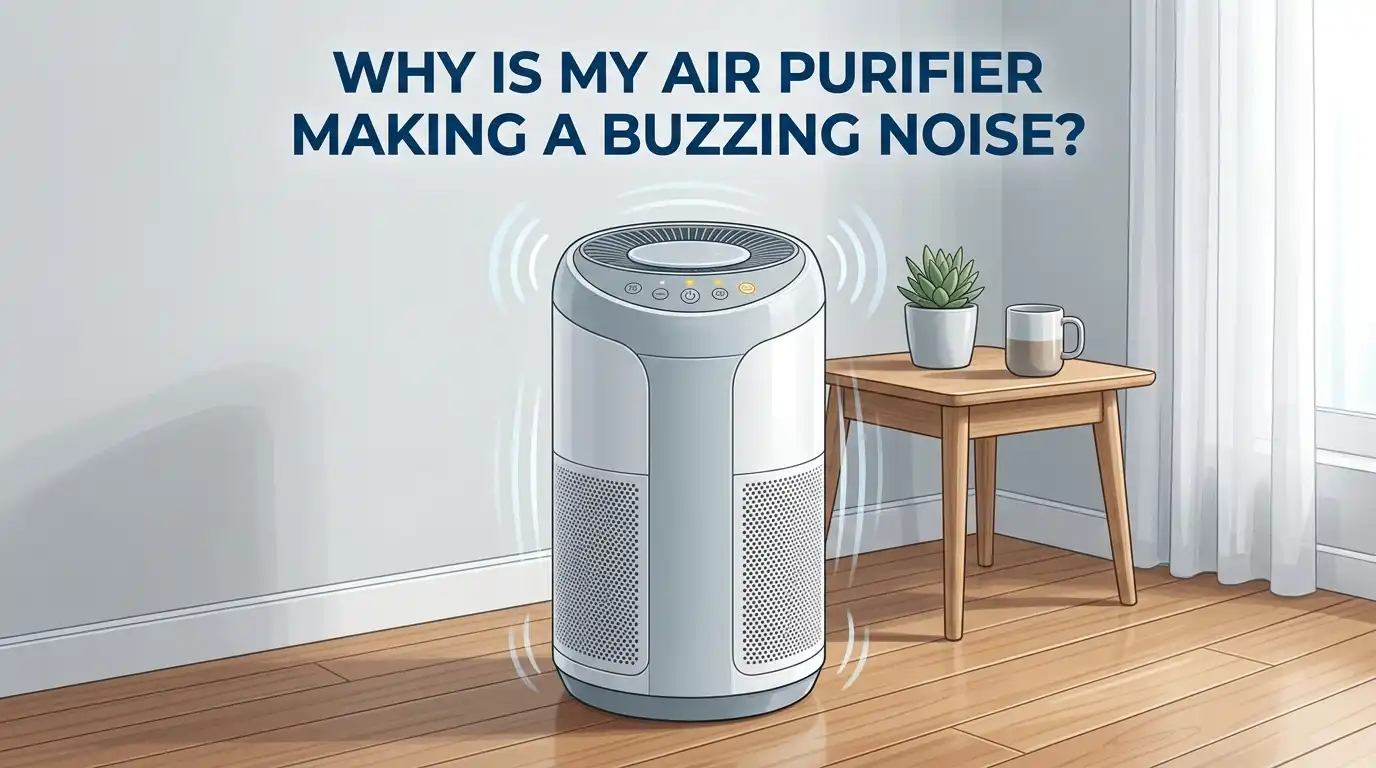
Why Is My Air Purifier Making a Buzzing Noise?
You bought your air purifier for clean, fresh air and a peaceful home. Now it sounds like an angry bee is living inside it. A buzzing noise from your air purifier is annoying, but it also signals something is wrong. The good news? Most buzzing noises have simple fixes you can handle yourself.
Air purifiers normally produce a soft hum between 30 and 50 decibels on low settings. That is about the volume of a whisper or quiet library. A sudden or new buzzing noise means something has changed inside your unit. Ignoring this sound can lead to poor air quality, higher energy bills, or permanent motor damage.
This guide walks you through every common cause of air purifier buzzing and gives you clear, step by step solutions. Whether your unit is brand new or several years old, you will find the answer here. Let’s get your air purifier back to its quiet, efficient self.
Key Takeaways
- Most buzzing noises come from dirty or clogged filters. A filter packed with dust and debris forces the fan motor to work harder, which creates vibrations and buzzing sounds. Checking and replacing your filter is always the first step.
- Loose internal parts are a frequent culprit. Screws, fan blades, and filter housings can loosen over time. A quick inspection and tightening session can solve the problem in minutes.
- Motor bearing wear causes persistent humming or buzzing. If your air purifier is more than two years old, the motor bearings may need lubrication or replacement. This is the most common cause of a low, steady buzz.
- Placement matters more than you think. An air purifier on an uneven surface will vibrate and produce extra noise. A flat, stable surface or a vibration absorbing pad can eliminate the sound.
- Electrical issues require professional attention. If the buzzing comes from the plug or power cord area, stop using the unit immediately. This could indicate a wiring problem or a faulty power supply.
- Regular maintenance prevents most noise problems. Cleaning your air purifier every two to four weeks and replacing filters on schedule keeps everything running smoothly and quietly.
Dirty or Clogged Filters Are the Most Common Cause
A dirty filter is the number one reason air purifiers start buzzing. When dust, pet hair, and particles build up on the filter, airflow gets restricted. The fan motor then works overtime to pull air through the clogged material.
This extra strain creates vibrations that sound like buzzing or humming. HEPA filters should be replaced every 6 to 12 months depending on usage and air quality. Pre filters often need cleaning every 2 to 4 weeks.
To check your filter, turn off and unplug the unit. Remove the filter and hold it up to a light source. If you cannot see light passing through, the filter is too clogged. Replace it right away.
Pros of filter replacement: Solves the problem instantly, restores full airflow, and improves air quality.
Cons: Replacement filters cost money, and some models use proprietary filters that can be expensive.
Loose Parts and Components Inside the Unit
Air purifiers contain several moving and stationary parts. Over time, screws, fan housings, and filter frames can loosen from normal vibration during operation. Even a slightly loose component can rattle and produce a buzzing noise.
Turn off your air purifier and unplug it. Open the unit according to your owner’s manual. Check all visible screws and tighten any that feel loose. Gently wiggle the fan assembly to see if it moves more than it should.
Also check the filter compartment. A filter that does not sit flush in its housing will vibrate against the frame. Make sure the filter clicks securely into place.
Pros of tightening components: Free fix, takes only a few minutes, and requires no special tools.
Cons: You may void your warranty by opening the unit, and some models are difficult to disassemble.
Fan Blade Issues Can Create Buzzing Sounds
The fan blades inside your air purifier spin at high speeds. If a blade is cracked, bent, or coated with dust buildup, it creates an imbalance. This imbalance produces vibrations that you hear as a buzzing or rattling noise.
Unplug your unit and access the fan area. Look for visible damage on each blade. Clean dust and debris from the blades using a soft cloth or compressed air. Even a small amount of built up grime can throw the fan off balance.
Sometimes small objects like paper clips, pet hair clumps, or small toys (especially in homes with children) fall into the intake. Check for foreign objects trapped near the fan assembly and remove them carefully.
Pros of cleaning fan blades: Simple DIY fix that restores balance and reduces noise immediately.
Cons: Accessing the fan may require partial disassembly, and cracked blades usually need professional replacement.
Worn Motor Bearings Cause a Persistent Buzz
The fan motor uses bearings to spin smoothly. After one to three years of regular use, these bearings can wear down. Worn bearings produce a consistent low buzzing or humming sound that gets louder over time.
You can test for bearing noise by turning off the power suddenly. If the buzzing fades gradually as the fan slows down, the bearings are likely the problem. If the sound stops immediately, the issue is electrical rather than mechanical.
Some bearings can be lubricated with a few drops of light machine oil to extend their life. Bushing type bearings respond well to this treatment. Ball bearings, however, usually need full replacement.
Pros of lubrication: Cheap and fast temporary fix that can add months of quiet operation.
Cons: The fix is often temporary, and bearing replacement requires soldering skills or professional help.
Improper Placement Creates Extra Vibration
Where you put your air purifier affects how much noise it makes. A unit placed on an uneven surface, wobbly table, or hard floor will vibrate and amplify buzzing sounds. Hard surfaces like tile or hardwood reflect sound waves and make everything louder.
Place your air purifier on a flat, stable surface. Leave at least 12 to 18 inches of space between the unit and any walls or furniture. Walls reflect sound and restrict airflow, which forces the motor to work harder.
A simple anti vibration pad or rubber mat placed under the unit can absorb vibrations and reduce noise significantly. Even a thick towel folded under the purifier can help in a pinch.
Pros of repositioning: Completely free, takes seconds, and can make a dramatic difference.
Cons: Does not fix internal problems, and the ideal placement may not be convenient for your room layout.
High Fan Speed Settings Increase Noise
Running your air purifier on the highest fan speed will naturally produce more sound. On high settings, most air purifiers reach 50 to 65 decibels. That is similar to the volume of a normal conversation.
If the buzzing only happens on high speed, the noise may be normal operation rather than a defect. Try lowering the fan speed to see if the buzzing stops. Many modern air purifiers have an auto mode that adjusts fan speed based on air quality.
Using a lower fan speed in a smaller room still provides effective air cleaning. You can also run the purifier on high speed while you are away and switch to low when you return home.
Pros of lowering fan speed: Immediate noise reduction with no cost or effort.
Cons: Lower fan speed means slower air purification, which may not be ideal for large rooms or high pollution areas.
Electrical Problems Require Immediate Attention
A buzzing noise coming from the power cord, plug, or electrical connection is a serious concern. This type of buzz often sounds different from mechanical noise. It is usually steady and does not change with fan speed.
Unplug the air purifier immediately if you suspect an electrical issue. Check the power cord for damage, fraying, or exposed wires. Inspect the plug prongs for discoloration or burn marks. Try a different electrical outlet to rule out a problem with your home wiring.
Do not attempt to repair electrical components yourself unless you have proper training. Faulty wiring can cause fires or electric shock. Contact the manufacturer or a qualified electrician for help.
Pros of professional electrical repair: Safe and thorough, often covered under warranty.
Cons: Costs money, takes time, and you will be without your purifier during repairs.
New Filters Sometimes Need a Break In Period
If your air purifier started buzzing right after you installed a new filter, the filter itself may be the issue. Some filters need a brief break in period as they settle into the housing. The materials can be slightly stiff and cause airflow irregularities at first.
Also make sure you removed all plastic wrapping from the new filter. Many manufacturers ship filters in sealed plastic bags or with protective wrapping. Leaving this packaging on blocks airflow completely and forces the motor to strain.
Double check that the filter is the correct model for your unit. An improperly sized filter will not seat correctly and will vibrate during operation. Refer to your owner’s manual for the exact filter specifications.
Pros of checking the new filter: Quick fix that takes less than five minutes.
Cons: If the filter is the wrong size, you may need to purchase a replacement.
Ionizer Pins and Plates Can Buzz in Ionic Purifiers
If you own an ionic or electrostatic air purifier, buzzing noises often come from the ionizer pins or collecting plates. Dust and particle buildup on these components disrupts the electrical charge and creates buzzing or crackling sounds.
Remove the collecting plates and emitter wire frame from the unit. Clean them according to the manufacturer’s instructions. Most plates can be wiped with a damp cloth and dried thoroughly before reinserting.
Try removing one component at a time and running the unit to identify which part causes the noise. This isolation method helps you pinpoint the exact source without guessing.
Pros of cleaning ionizer components: Restores performance and eliminates the electrical buzzing sound.
Cons: Ionic purifier components are delicate and can be damaged during cleaning if handled roughly.
Regular Maintenance Prevents Future Buzzing
Prevention is always better than troubleshooting. A consistent cleaning and maintenance schedule keeps your air purifier running quietly for years. Most buzzing problems develop gradually from neglected upkeep.
Clean the exterior vents and intake grills every two weeks with a soft brush or vacuum attachment. Replace HEPA filters on the schedule recommended by your manufacturer. Clean pre filters monthly by rinsing them under lukewarm water and drying completely before reinstalling.
Keep a maintenance log so you know exactly when you last changed each filter and cleaned each component. This simple habit helps you catch problems before they turn into noisy headaches.
Pros of regular maintenance: Prevents most noise issues, extends the life of your unit, and keeps air quality high.
Cons: Requires consistent effort and remembering to follow through on schedule.
When to Call a Professional or Replace the Unit
Some buzzing noises point to problems that are beyond a DIY fix. If you have tried all the solutions above and the buzzing persists, it may be time to call a professional repair service or consider replacing the unit.
Signs you need professional help include a burning smell combined with buzzing, the unit shutting off unexpectedly, visible sparking, or a buzzing sound from the circuit board area. These issues involve internal electronics that require expert diagnosis.
If your air purifier is older than five years and repairs would cost more than half the price of a new unit, replacement is the smarter financial choice. Newer models also tend to run quieter and use less energy.
Pros of professional repair: Proper diagnosis, safe handling of electrical components, and warranty preservation.
Cons: Repair costs can be high, and older units may not be worth the investment.
Quick Troubleshooting Checklist for Buzzing Noise
Here is a fast reference you can follow the next time your air purifier starts buzzing. Start with the simplest fixes first and work your way down the list.
First, check and replace the filter if it is clogged. Second, make sure all plastic wrapping has been removed from new filters. Third, tighten any loose screws or components inside the unit. Fourth, clean the fan blades and remove any foreign objects. Fifth, move the purifier to a flat, stable surface away from walls.
If the basic steps do not work, check for worn motor bearings and try lubrication. Inspect the power cord and plug for electrical damage. For ionic models, clean the ionizer pins and collecting plates. If nothing resolves the noise, contact the manufacturer for warranty support or seek professional repair.
This systematic approach saves you time and ensures you do not skip an easy fix while chasing a complicated one.
Frequently Asked Questions
Is it normal for an air purifier to make some noise?
Yes, all air purifiers produce some level of sound during operation. On the lowest setting, most units run between 25 and 40 decibels, which is similar to a whisper. A sudden change in noise type or volume, such as a new buzzing or rattling, signals that something needs attention. Steady, consistent fan noise is expected and normal.
Can a buzzing air purifier be dangerous?
A mechanical buzzing from loose parts or dirty filters is not dangerous, but it should be fixed to prevent further damage. An electrical buzzing from the plug, cord, or internal wiring can be a fire hazard. Unplug the unit immediately if you smell burning or see sparking, and contact a professional.
How often should I clean my air purifier to prevent noise?
Clean the exterior vents and pre filter every two to four weeks. Replace HEPA filters every 6 to 12 months depending on usage. Wipe down the interior components every time you change the main filter. Consistent cleaning prevents the dust buildup that causes most buzzing issues.
Will a buzzing noise affect my air purifier’s performance?
Yes, a buzzing noise usually means something is reducing efficiency. A clogged filter restricts airflow. Worn bearings slow the motor. Loose parts waste energy through vibration. Fixing the buzzing restores your purifier to full performance and ensures clean air output.
Should I run my air purifier 24/7 or give it breaks?
Most air purifiers are designed for continuous operation on low or auto settings. Running 24/7 on the highest speed, however, accelerates wear on the motor and bearings. Use auto mode when possible, and give the unit a rest if you notice it getting louder over time. This extends the lifespan of internal components significantly.

I’m Maya Brown, the voice behind Pure Breeze Vault. I write detailed, honest, and easy-to-follow air purifier reviews to help readers compare features, understand filter technologies, and choose products with confidence. My goal is to make research simpler, clearer, and more practical for anyone improving indoor air quality at home.