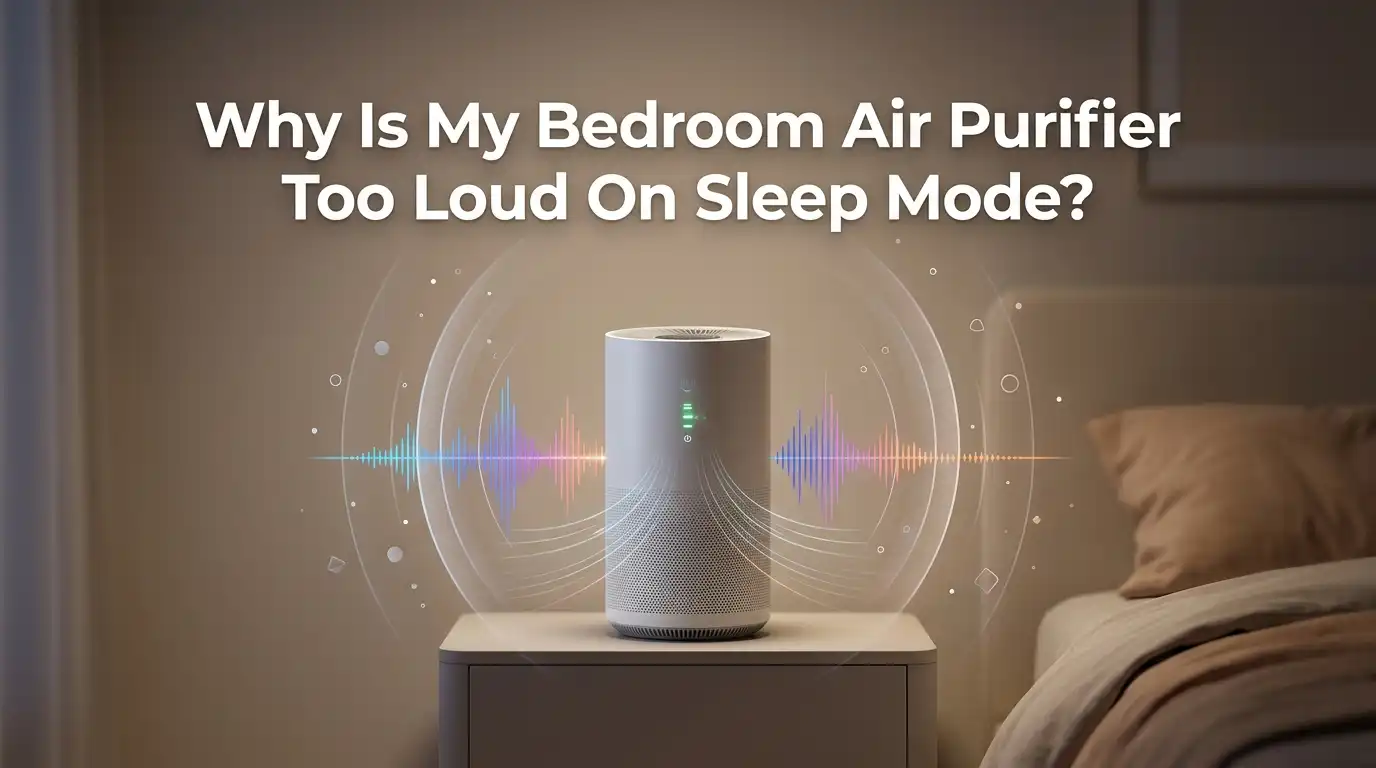
Why Is My Bedroom Air Purifier Too Loud On Sleep Mode?
You switched your air purifier to sleep mode, expecting silence. Instead, you got a hum, a rattle, or a steady drone that keeps your eyes wide open at 2 a.m. You are not imagining it, and you are definitely not alone.
Many people buy a purifier for cleaner air and better rest, only to feel cheated by the noise. The good news is that most noise problems have clear causes and easy fixes. Sleep mode should make your purifier quieter, not annoying.
In this guide, you will learn why your bedroom air purifier sounds too loud on sleep mode, and you will get step by step solutions you can try tonight. Let us help you reclaim your quiet bedroom.
Key Takeaways
- Plastic wrap left on the filter is a top hidden cause. Many new units make a loud humming or whistling sound because the filter is still sealed in plastic. Remove it first.
- A dirty or clogged filter forces the fan to work harder. When air cannot pass through easily, the motor strains and the noise rises, even on sleep mode.
- Placement matters more than people think. A purifier on a hard floor or wobbly table vibrates and amplifies sound. A stable, soft surface lowers noise instantly.
- Sleep mode is quiet, not silent. Most units run between 19 dB and 35 dB on the lowest setting, which is around a soft whisper. Some sound is normal.
- Worn fan bearings or loose parts create rattles and grinding. These point to a mechanical issue that may need cleaning, tightening, or a warranty claim.
- Your room size may be wrong for the unit. A small purifier in a large room may auto adjust and run louder than expected.
What Sleep Mode Actually Does On An Air Purifier
Sleep mode is a setting that lowers the fan speed to the slowest level. It also dims or turns off the display lights. The goal is simple.
The purifier should make less noise and less light so you can rest. Most brands market sleep mode as their quietest option. But quiet does not mean silent. The fan still spins, and the motor still runs.
On sleep mode, a typical purifier runs between 19 dB and 35 dB. That range sits near a whisper or rustling leaves. Sleep experts suggest keeping bedroom noise below 40 dB.
So a healthy sleep mode should fall under that line. If your unit sounds louder than a soft whisper, something is wrong. That is your signal to start troubleshooting.
Reason One: The Plastic Wrap Is Still On The Filter
This is the most common mistake, and it is easy to miss. Many filters ship sealed in a thin plastic bag. The bag protects the filter during shipping.
If you leave the plastic on, air cannot flow through the filter. The fan pushes hard against a sealed surface, and that creates a loud hum or whistle, even on sleep mode.
Here is how to fix it. Step one: Unplug the unit. Step two: Open the filter compartment, usually a back or side panel. Step three: Pull out the filter and remove every piece of plastic wrap. Step four: Slide the filter back in firmly and close the panel.
Pros: This fix costs nothing and takes two minutes. Cons: None really, though you may feel a little silly if this was the problem all along. Check this first.
Reason Two: A Dirty Or Clogged Filter Strains The Motor
Over time, your filter traps dust, pet hair, pollen, and smoke. A clogged filter blocks airflow the same way the plastic wrap does. The fan motor has to spin harder to pull air through the dirt. That extra effort raises the noise level, even when you select sleep mode. You may also hear a static or whooshing sound.
To fix this, check your filter every few months. Pull it out and look at it under good light. If it looks gray, packed, or coated in dust, it needs attention. Some pre filters can be vacuumed or rinsed. True HEPA filters usually need full replacement, not cleaning. Always follow your brand instructions.
Pros: A fresh filter restores quiet operation and better air cleaning. Cons: Replacement filters cost money, and ongoing replacement is part of owning a purifier.
Reason Three: Your Purifier Sits On A Hard Or Unstable Surface
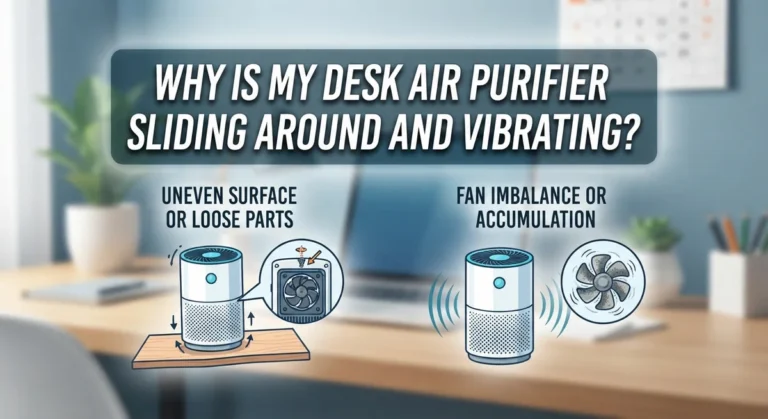
Where you place your purifier changes how loud it feels. A hard floor like tile or wood reflects and amplifies vibration. A wobbly nightstand can rattle along with the motor. The surface acts like a speaker for the motor hum. This is why the same unit sounds louder in one spot than another.
Try this fix. Step one: Move the purifier onto a stable, flat surface. Step two: Place a soft mat, folded towel, or rubber pad underneath it. Step three: Keep the unit away from walls and furniture. Leave a few inches of space on each side so air flows freely.
Pros: This trick is free and works fast. The soft pad absorbs vibration. Cons: A pad that is too thick may block bottom air vents on some models, so check your design first.
Reason Four: Loose Parts Or Trapped Debris Inside The Unit
Sometimes the noise comes from inside the body of the purifier. A loose panel, a rattling filter that does not sit tight, or a small object stuck near the fan can all create odd sounds.
A purifier that vibrates against its own loose parts sounds far louder than its rating. You might hear buzzing, clicking, or rattling on sleep mode.
Fix it with these steps. Step one: Unplug the unit and let the fan stop fully. Step two: Open every panel and press them back until they click. Step three: Make sure the filter sits snug with no gap. Step four: Use a soft brush or low vacuum to clear dust and debris near the fan blades.
Pros: Cleaning often removes the noise completely. Cons: You must be gentle near the fan, and you should never force panels that resist.
Reason Five: Worn Or Failing Fan Bearings
If you have checked the filter, the placement, and the panels, the problem may be mechanical. The fan spins on small bearings.
Over months and years, bearings wear down and start to grind or whir. You may hear a high pitched whine or a grinding sound that gets worse over time. This noise stays even on sleep mode because the fan still turns.
Here is what to do. Step one: Listen closely to find where the sound comes from. Step two: Check if the unit is still under warranty. Step three: Contact the maker for repair or replacement if it is covered.
Pros: A warranty claim can get you a fixed or new unit at no cost. Cons: Out of warranty repair is often not worth the price, and a bearing fix is hard to do at home safely.
Reason Six: The Room Is Too Big For The Purifier
Air purifiers are rated for a certain room size. A small unit in a large bedroom cannot clean the air on sleep mode alone.
If your model has auto mode mixed with sleep settings, its sensor may detect poor air and speed up the fan during the night. That sudden change in speed can wake light sleepers and feel loud.
To check this, match your room size to the unit rating. Look at the recommended square footage on the box or manual. If your room is larger, the purifier struggles to keep up.
The fix is to clean the air faster before bed. Run the unit on high for thirty minutes, then switch to sleep mode. Cleaner starting air means fewer fan spikes overnight.
Pros: Pre cleaning the air reduces nighttime noise jumps. Cons: It does not solve a true size mismatch. A larger unit may be needed.
Reason Seven: Auto Mode And Sensors Are Overriding Sleep Mode
Many smart purifiers blend auto mode with sleep mode. The built in sensor reads dust, smoke, and odor levels. When it detects something, it raises the fan speed on its own. So even though you chose sleep mode, the unit speeds up and gets loud. Common triggers include dust from blankets, a pet jumping on the bed, or cooking smells drifting in.
Try these steps. Step one: Read your manual to see if sleep mode locks the fan at the lowest speed. Step two: If your model allows it, turn off auto mode and set a fixed low speed for the night. Step three: Keep the bedroom door closed to block outside triggers.
Pros: A locked low speed gives steady, predictable sound. Cons: With auto off, the unit will not boost cleaning if air quality drops fast.
Reason Eight: Understanding Decibel Levels And What Is Normal
It helps to know what numbers mean before you decide your purifier is broken. Sound is measured in decibels, written as dB. A whisper sits around 30 dB. A quiet library is about 40 dB. Normal talking reaches 60 dB. Anything above 85 dB can harm your hearing over time.
Most purifiers on sleep mode run between 19 dB and 35 dB. That is genuinely quiet. If your unit lists 25 dB but sounds like 50 dB, you have a real problem to fix.
Use a free decibel meter app on your phone to measure the actual sound. Hold it about three feet away, the distance from your pillow. This gives you proof instead of a guess.
Pros: Measuring removes doubt and guides your next step. Cons: Phone apps are not perfectly accurate, but they are close enough for a quick check.
Reason Eight: Could The Noise Actually Help You Sleep?
Here is a surprising twist. Not all purifier noise is bad. A steady, low sound can act like a white noise machine. White noise masks sudden sounds like a car door or a creaking floor. For some people, this constant hum actually improves sleep. The brain relaxes when the audio stays the same.
The trouble starts when the noise is uneven. A rattle, a whine, or a fan that speeds up and slows down breaks the steady pattern. That irregular sound is what wakes light sleepers, not the volume itself.
So before you fight all noise, ask yourself this. Is the sound steady, or does it change? A smooth, constant whoosh may be your friend. A choppy, rattling sound is the real enemy and needs a fix.
Pros: Steady white noise can help you fall asleep. Cons: It only works if the sound stays even and gentle.
How To Test And Diagnose The Noise Step By Step
A clear test saves you from guessing. Follow this simple order to find the cause fast. Step one: Unplug the unit and remove the filter. Check for plastic wrap and dirt. Step two: Plug it back in with the filter out and run sleep mode. If it is quiet now, the filter was the problem.
Step three: Put the clean filter back and test again. Step four: Move the unit to a soft, stable surface and listen. Step five: Note the type of sound. A hum points to airflow, a rattle points to loose parts, and a grind points to bearings.
Pros: This method finds the cause in minutes without tools. Cons: It does not repair internal parts, only points you to the issue. Still, knowing the cause is half the battle.
Smart Habits To Keep Your Purifier Quiet Long Term
Good habits stop noise before it starts. Clean your pre filter every two to four weeks with a quick vacuum. Replace the main filter on the schedule in your manual.
A clean filter means a calm motor. Keep the unit on a soft mat to soak up vibration, and wipe dust off the outside vents often.
Also, give the purifier room to breathe. Leave a few inches of open space around all sides. Crowded units pull air through narrow gaps and that raises noise. Run the unit on high for a short burst before bed, then drop to sleep mode. This keeps the fan steady through the night.
Pros: These habits cost little time and prevent most noise issues. Cons: They require regular attention, and skipping them lets noise creep back.
When To Repair, Replace, Or Call Support
Sometimes the fix is out of your hands. If you hear grinding or a loud whine after cleaning, the motor or bearings may be failing. Check your warranty before you spend money. Many brands offer one to five years of coverage. A covered repair or swap costs you nothing, so use it.
If the unit is old and out of warranty, weigh the repair cost against a new one. Often a new purifier costs less than a motor repair. Call brand support when the noise is sudden, sharp, or paired with a burning smell. A burning smell means stop using it right away and unplug it.
Pros: Knowing when to stop saves money and stress. Cons: Replacing a unit is an added cost, though a quiet new model may be worth it for your sleep.
Frequently Asked Questions
Is it normal for an air purifier to make some noise on sleep mode?
Yes, some noise is normal. Sleep mode lowers the fan but does not stop it. Most units produce a soft whisper between 19 dB and 35 dB. If the sound is steady and gentle, your purifier works fine. Only worry if it rattles, grinds, or sounds much louder than a whisper.
Why does my air purifier get louder during the night?
This often happens with auto mode. The sensor detects dust or odor and raises the fan speed on its own. Triggers include blanket dust, pets, or cooking smells. Turn off auto mode if your model allows it, and set a fixed low speed for steady, quiet operation through the night.
Can a dirty filter really make my purifier loud?
Yes. A clogged filter blocks airflow and forces the motor to strain. That extra effort creates a loud hum or whoosh. Check your filter often. If it looks gray and packed with dust, clean the pre filter or replace the main filter to bring back quiet running.
Should I put my air purifier on the floor or a table?
Either can work, but the surface matters most. A hard floor or wobbly table amplifies vibration and noise. Place the unit on a stable, flat spot. Add a soft mat or folded towel underneath to absorb sound. Keep a few inches of open space on all sides for airflow.
How loud is too loud for a bedroom air purifier?
Sleep experts suggest keeping bedroom noise below 40 dB. A good purifier on sleep mode stays between 19 dB and 35 dB. If yours sounds louder than a soft whisper, test it with a phone decibel app. A reading well above 40 dB means you should troubleshoot the cause.
Can I use the purifier noise as white noise to sleep?
Yes, many people do. A steady, even hum can mask sudden sounds and help you fall asleep. The key is consistency. A smooth whoosh helps, while a choppy rattle or whine disturbs sleep. If your unit runs evenly, you may grow to enjoy the gentle background sound.

I’m Maya Brown, the voice behind Pure Breeze Vault. I write detailed, honest, and easy-to-follow air purifier reviews to help readers compare features, understand filter technologies, and choose products with confidence. My goal is to make research simpler, clearer, and more practical for anyone improving indoor air quality at home.